使用 Doloffer 提供的帳號登入 ChatGPT
一步一步教你使用 DolOffer 提供的帳號登入 ChatGPT Plus。
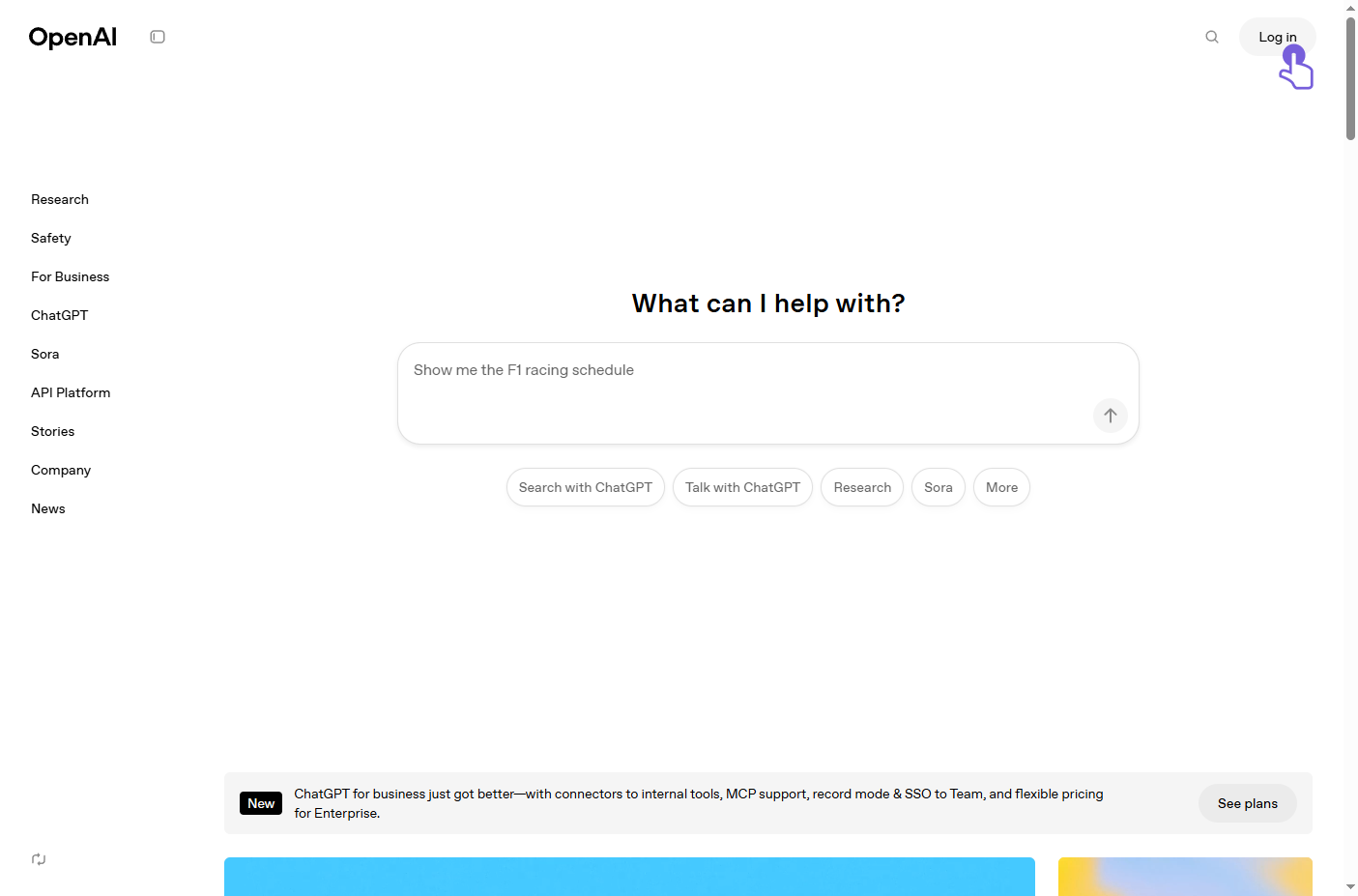
打開 OpenAI 官網,點擊右上角的「Log in」按鈕。 點擊前往 OpenAI 官方網站
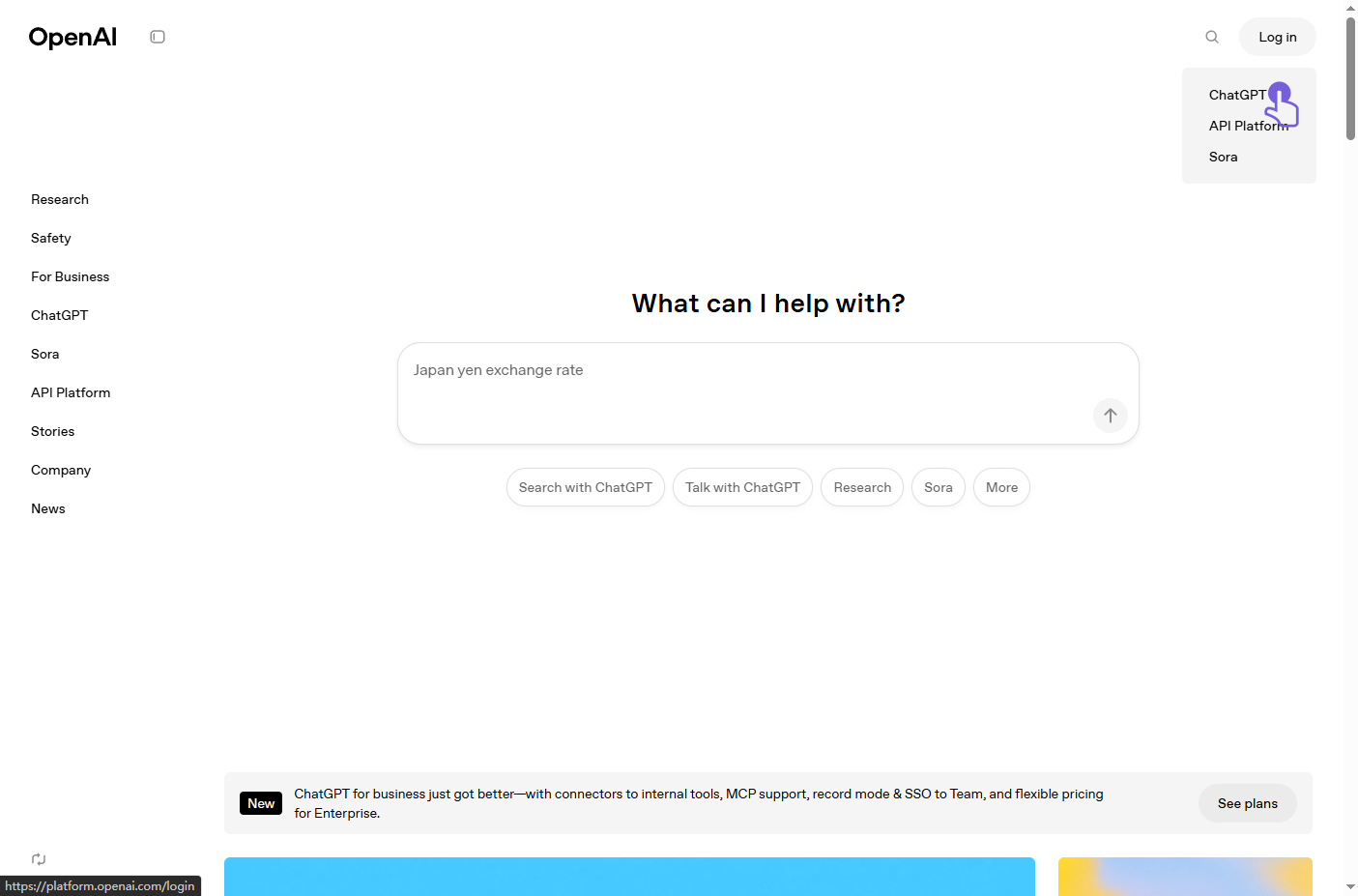
彈出入口選項後,點擊「ChatGPT」進入登入頁面。
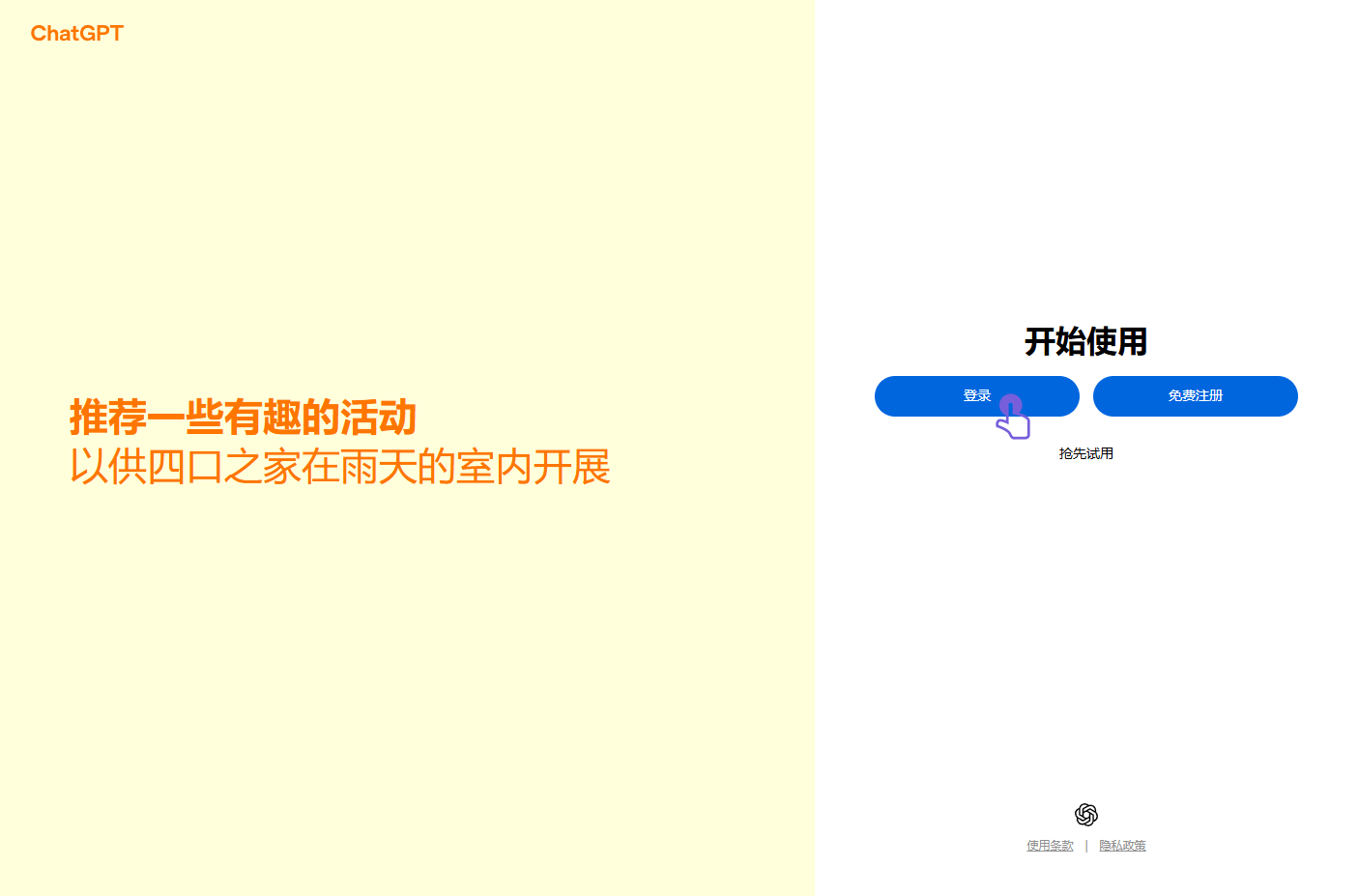
在 ChatGPT 頁面點擊藍色「登入」按鈕。
輸入 Doloffer 提供的電子郵件帳號,例如:[email protected],點擊「繼續」。
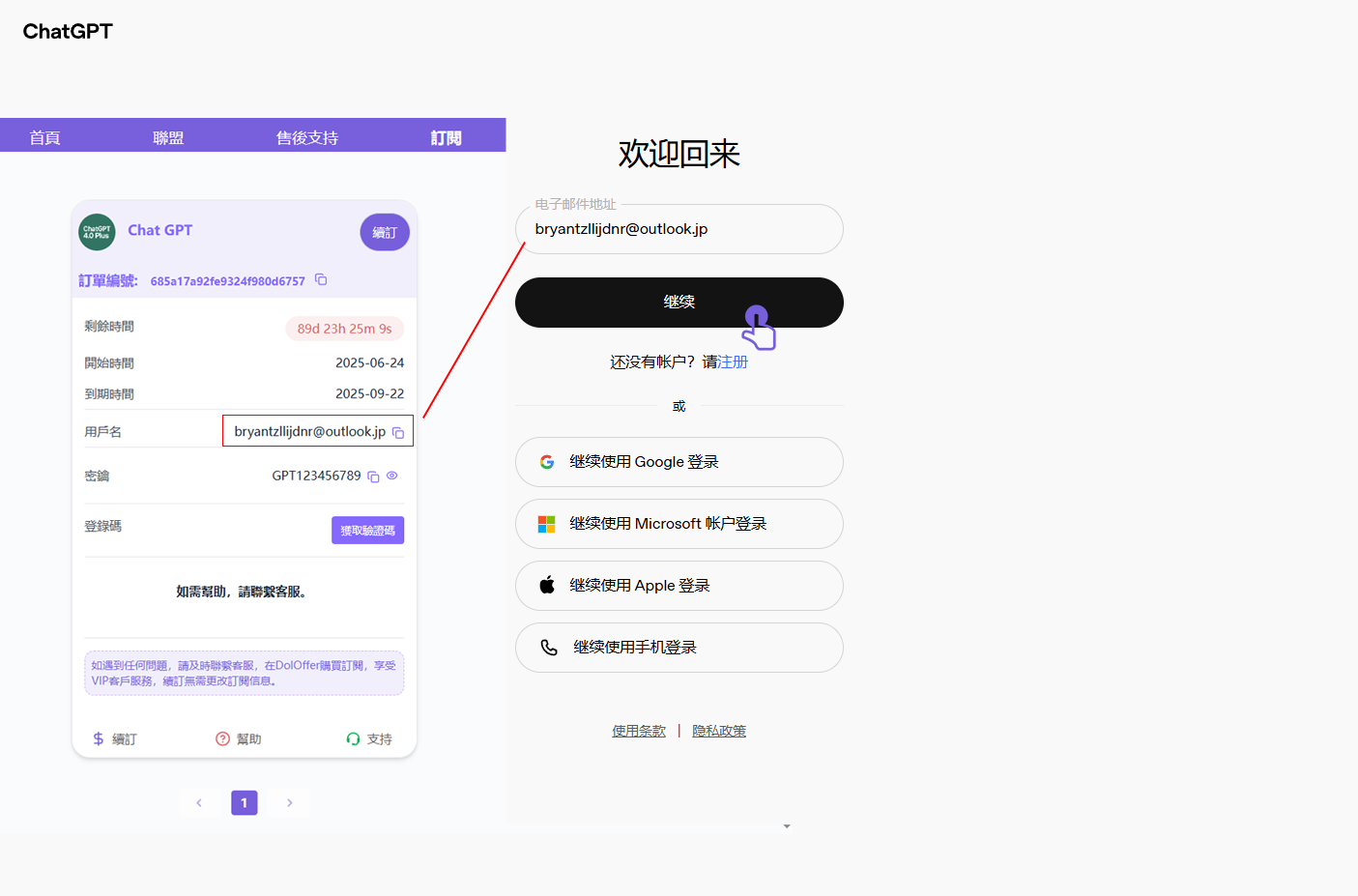
輸入 Doloffer 提供的密碼,例如:GPT123456789,點擊「繼續」。
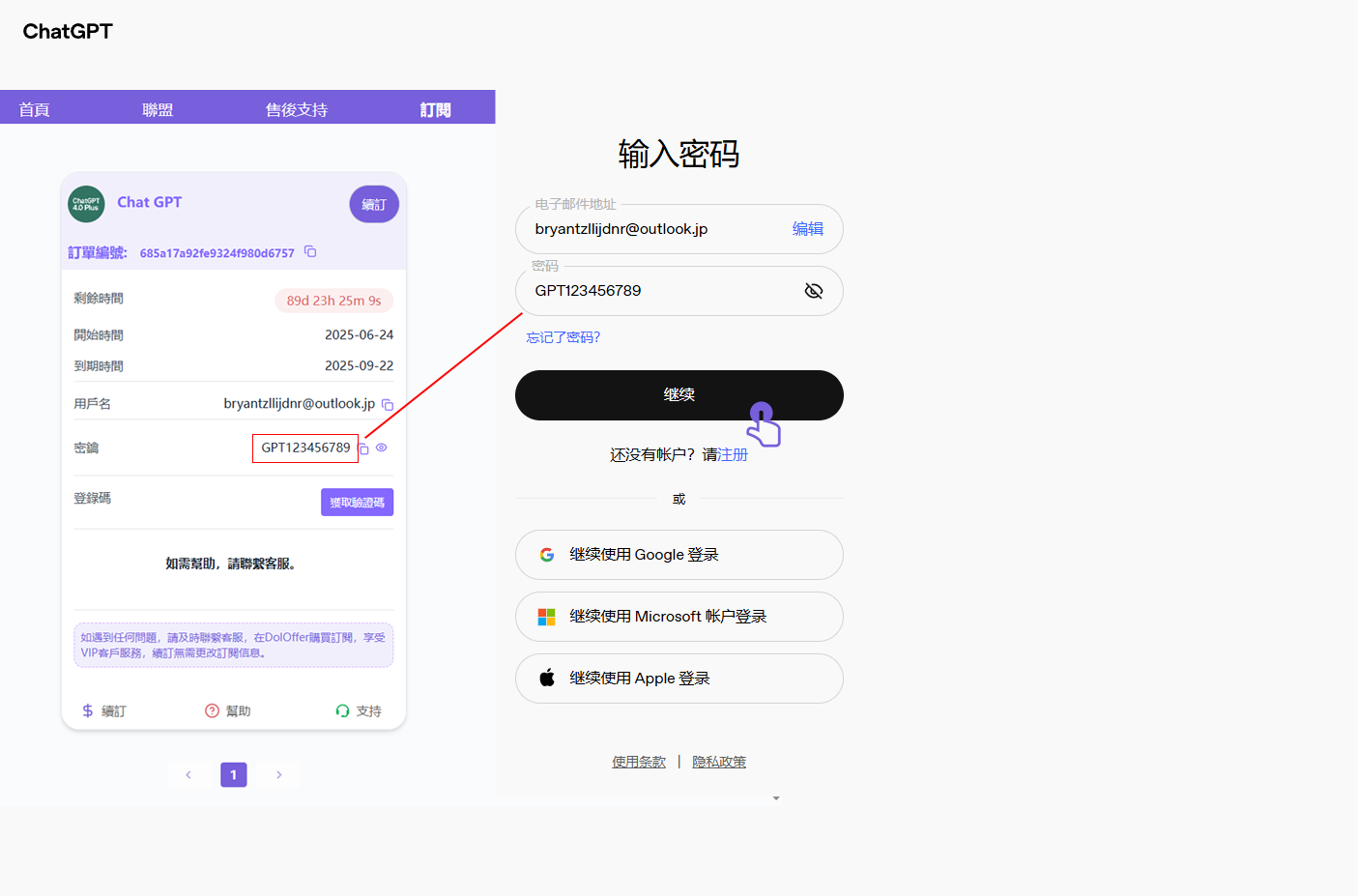
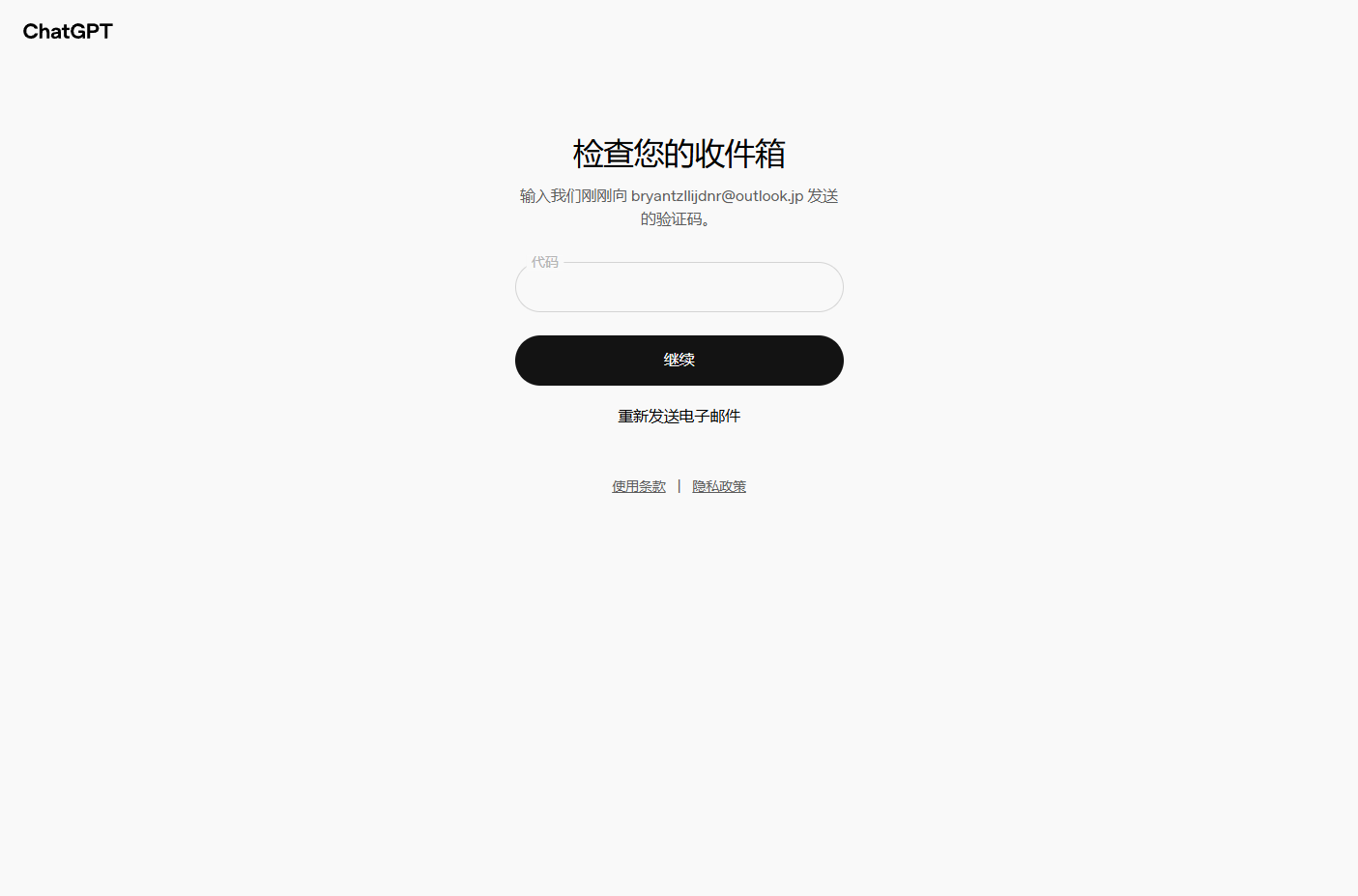
系統會提示輸入驗證碼,請勿關閉此頁面,保持等待。
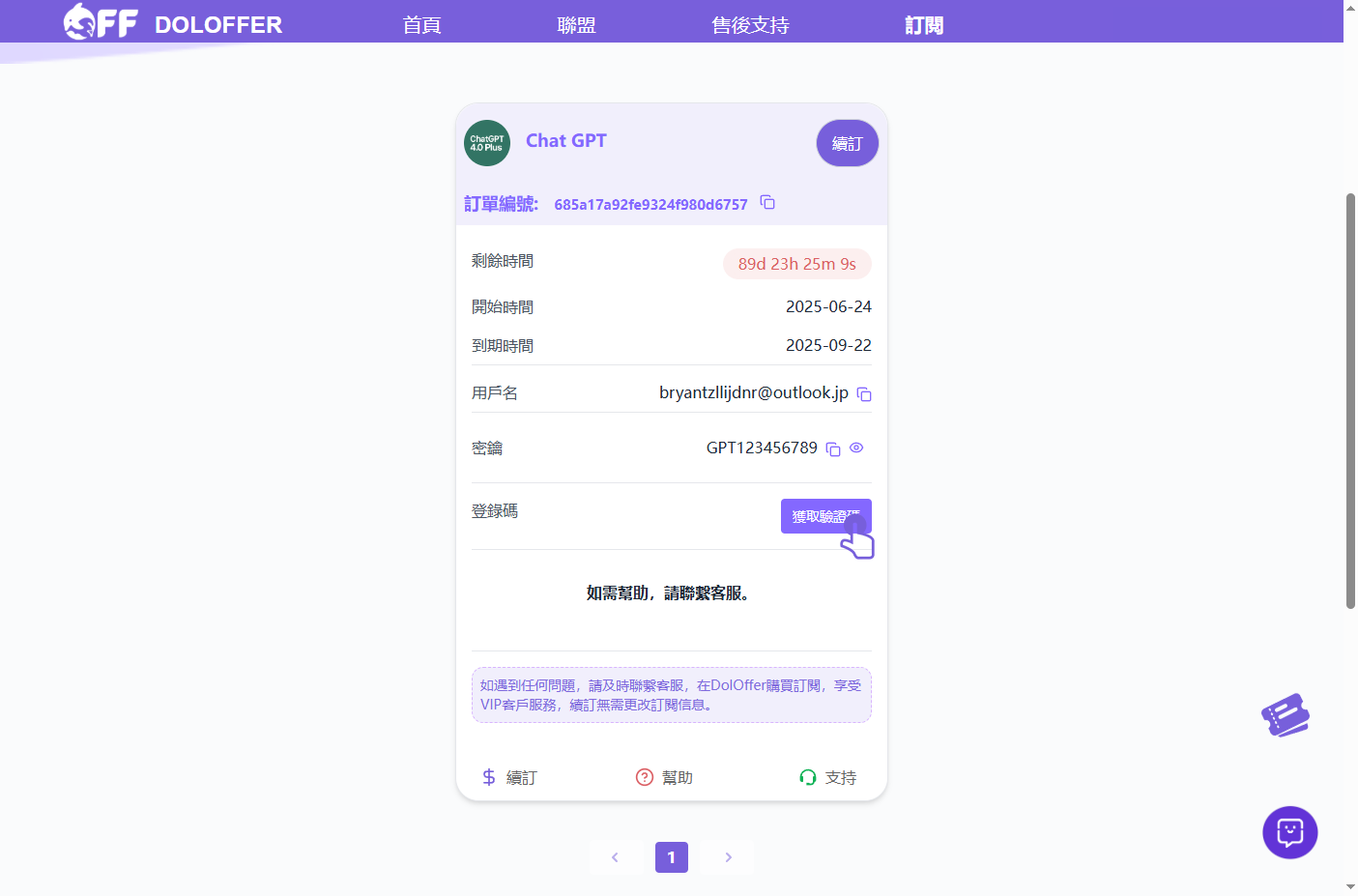
返回 Doloffer 頁面,點擊「獲取驗證碼」按鈕。
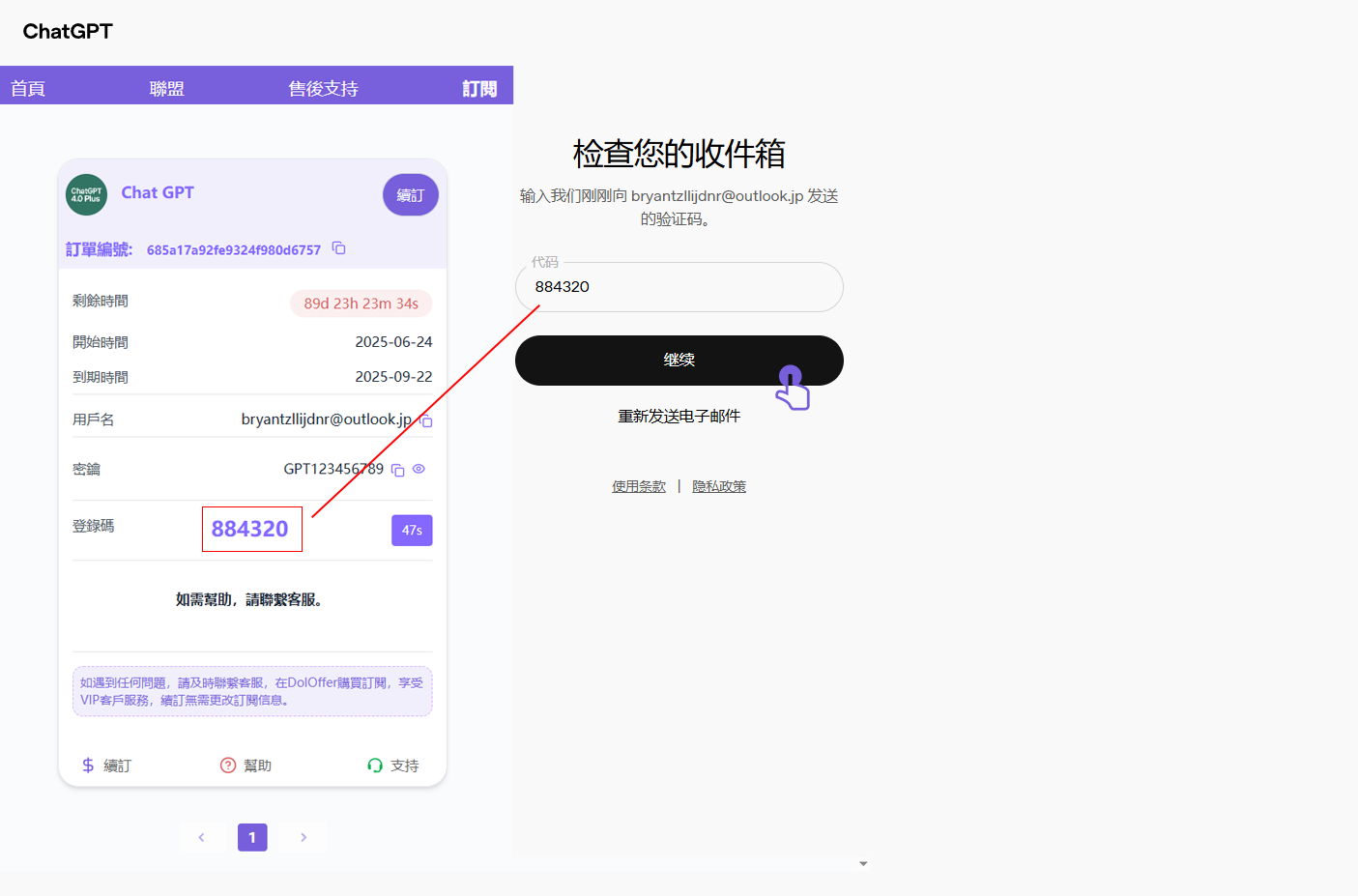
複製顯示的驗證碼,填入 ChatGPT 頁面對應位置,點擊「繼續」。
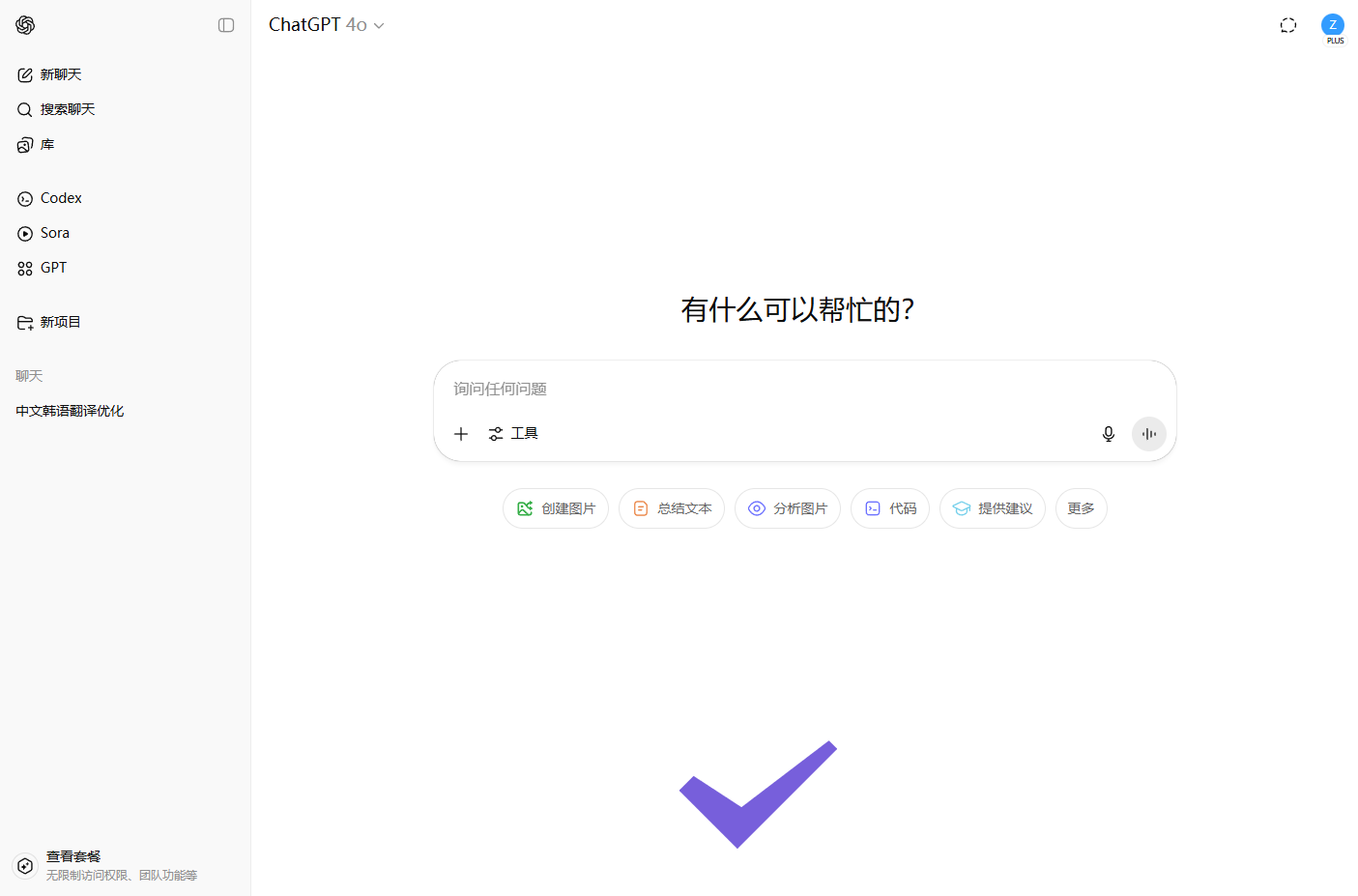
驗證成功後,將自動跳轉至 ChatGPT 4.0 Plus 主畫面,即可開始使用。
Related articles
Best Anime Streaming Services: How to Choose in 2026
Searching for the best anime streaming services usually returns a list sorted by catalog size, which is the least useful number when you are deciding what to pa
Cheapest Streaming Services: What the Lowest Price Buys
The cheapest streaming service is rarely the one with the lowest number on the sign-up page. It is the one whose total cost, across the months you actually keep
How to Transfer Playlists Between Music Services Correctly
Every streaming service stores a playlist as an ordered list of its own track identifiers, and those identifiers mean nothing inside a competing catalog. That i
Can You Share a Spotify Account? What Actually Works
Yes, two people can sign in to the same Spotify account, but it holds only until both of them press play at once. That single limit decides most of the question