Log in to ChatGPT using the account provided by Doloffer
Step-by-step guide to log in to your ChatGPT Plus account provided by DolOffer.
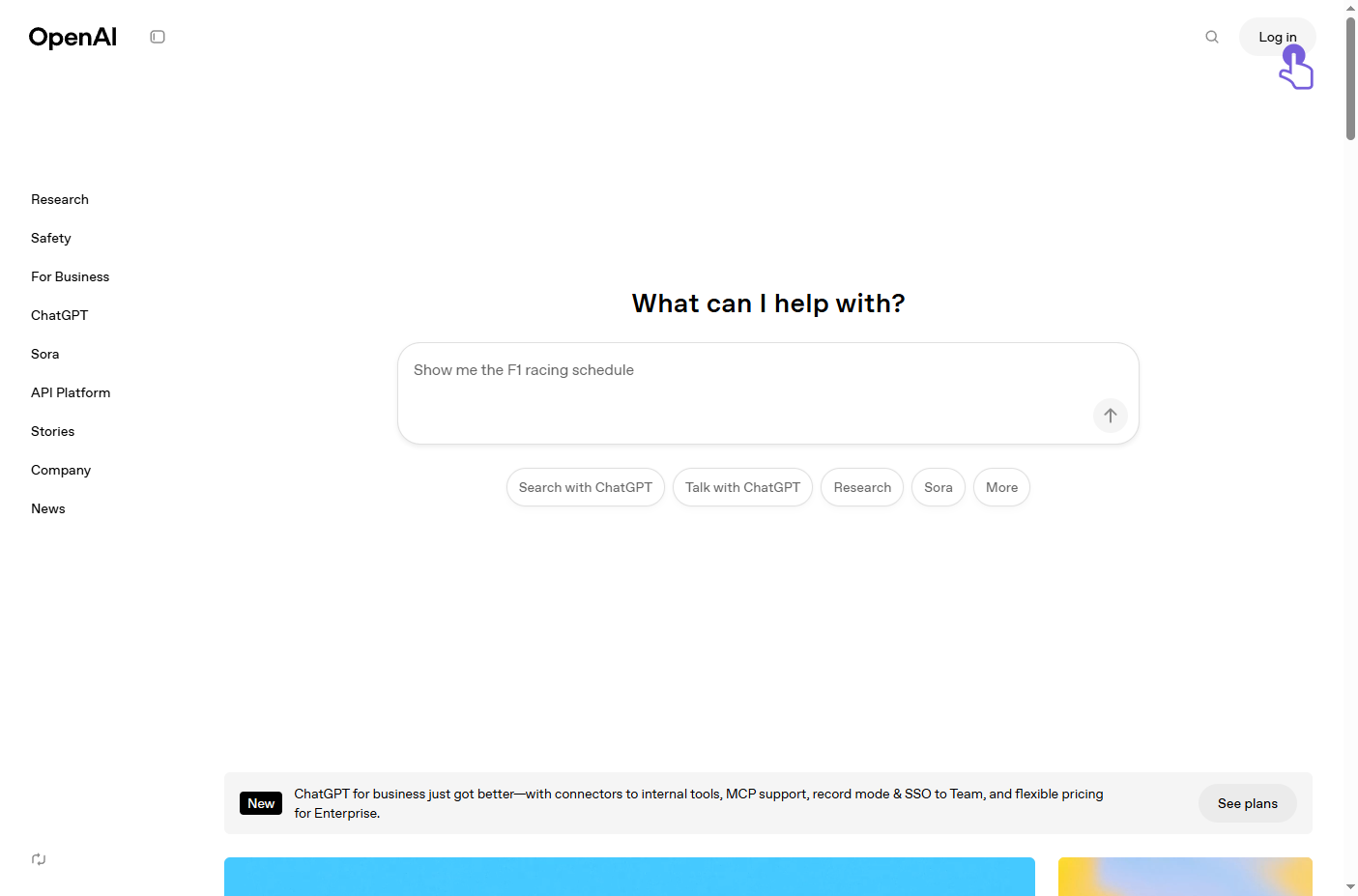
Open the OpenAI website and click the 'Log in' button at the top right. Click to visit the OpenAI website
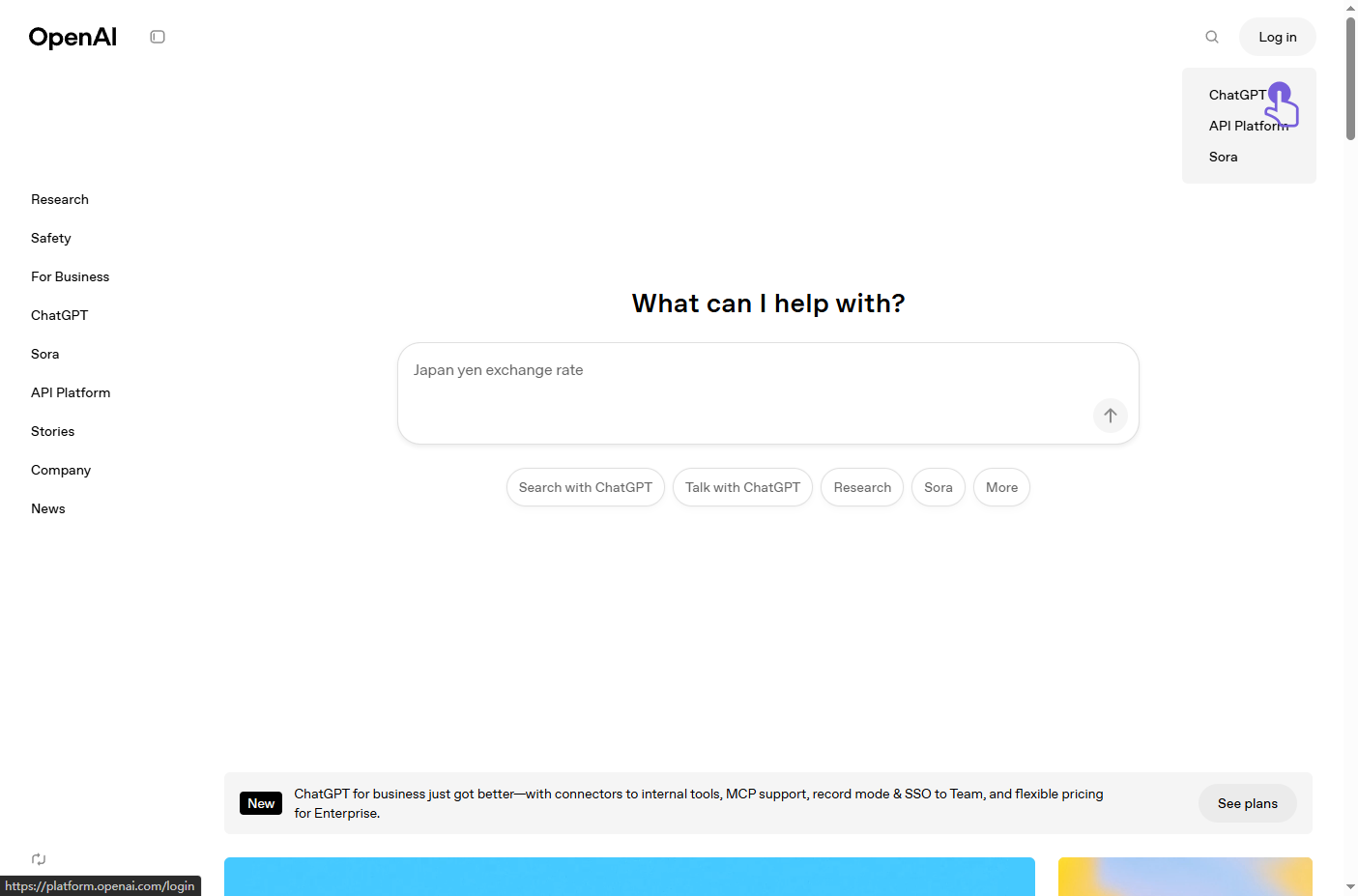
When the entry options pop up, click 'ChatGPT' to go to the login page.
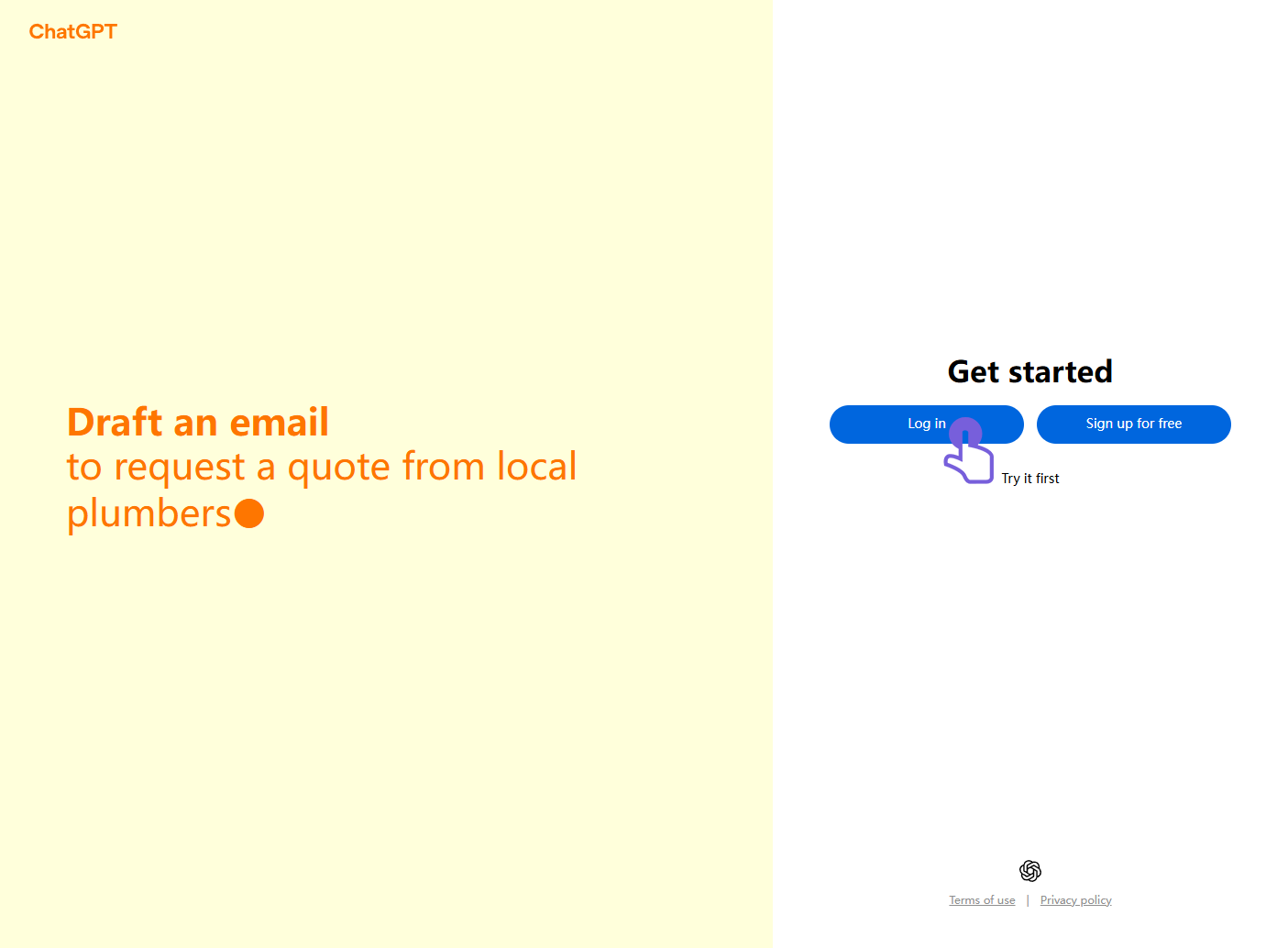
On the ChatGPT page, click the blue 'Log in' button.
Enter the email address provided by Doloffer (e.g., [email protected]), then click 'Continue'.
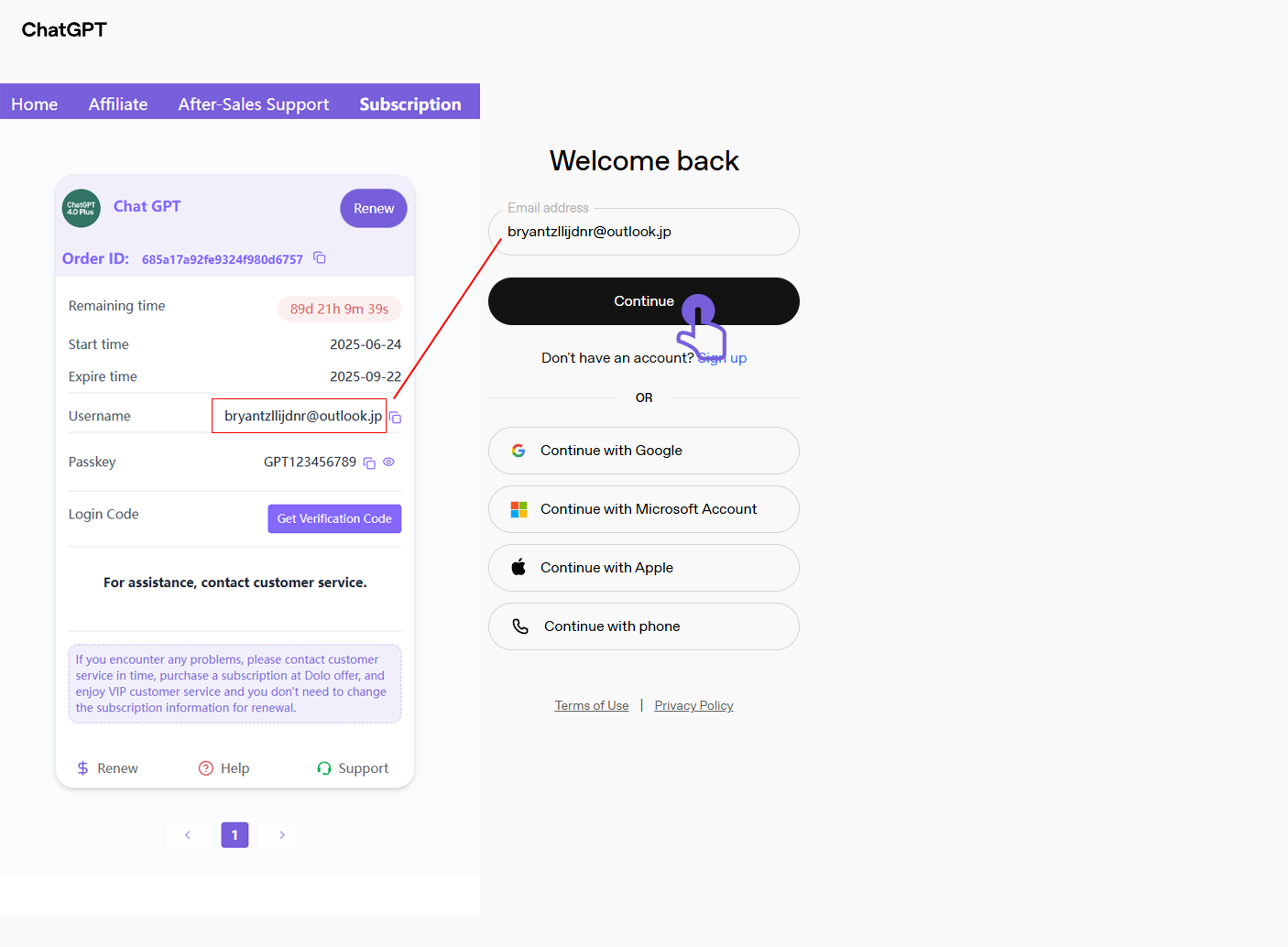
Enter the password provided by Doloffer (e.g., GPT123456789), then click 'Continue'.
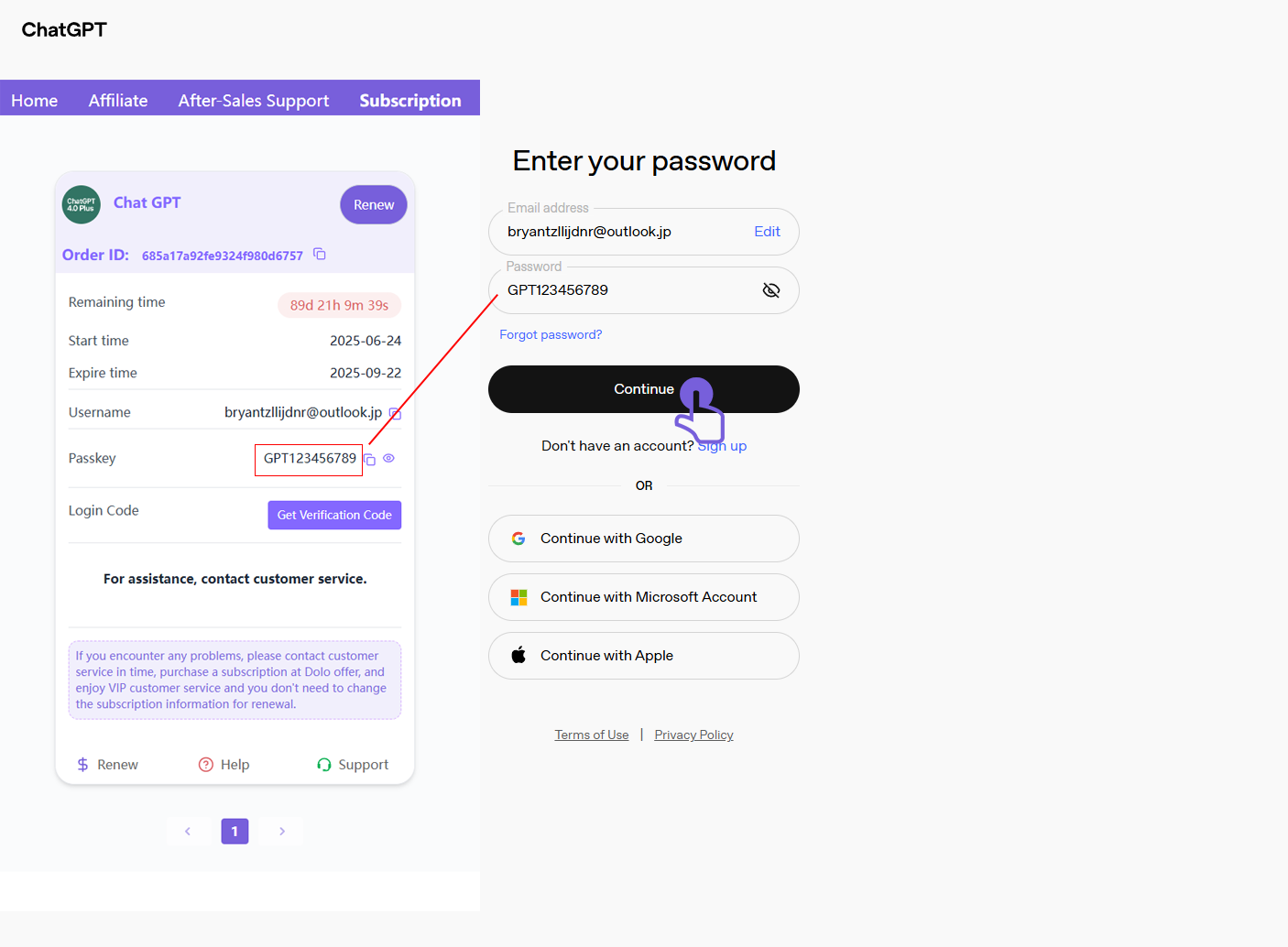
A verification code prompt will appear. Do not close the page—just wait.
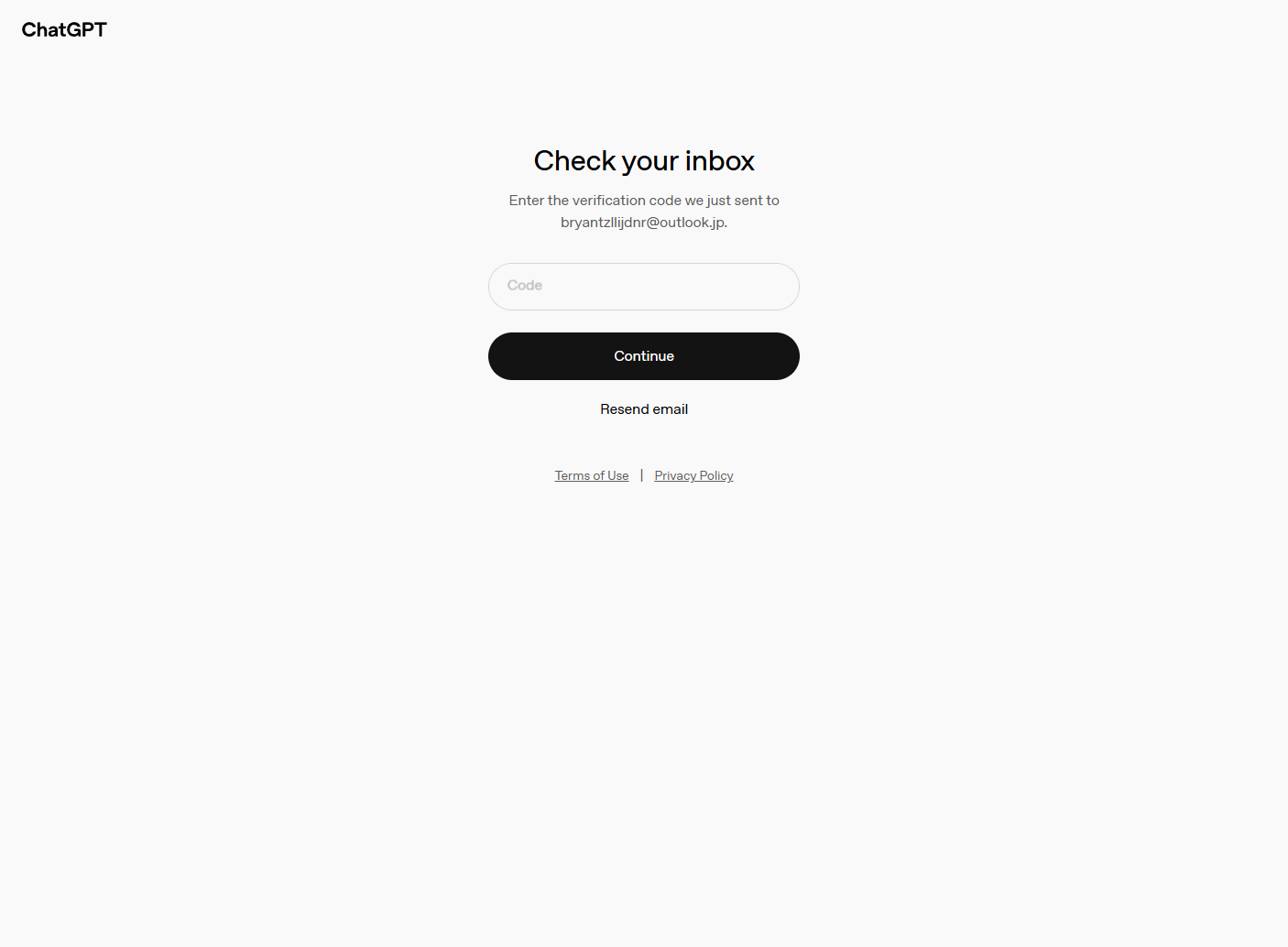
Return to the Doloffer page and click the 'Get Verification Code' button.
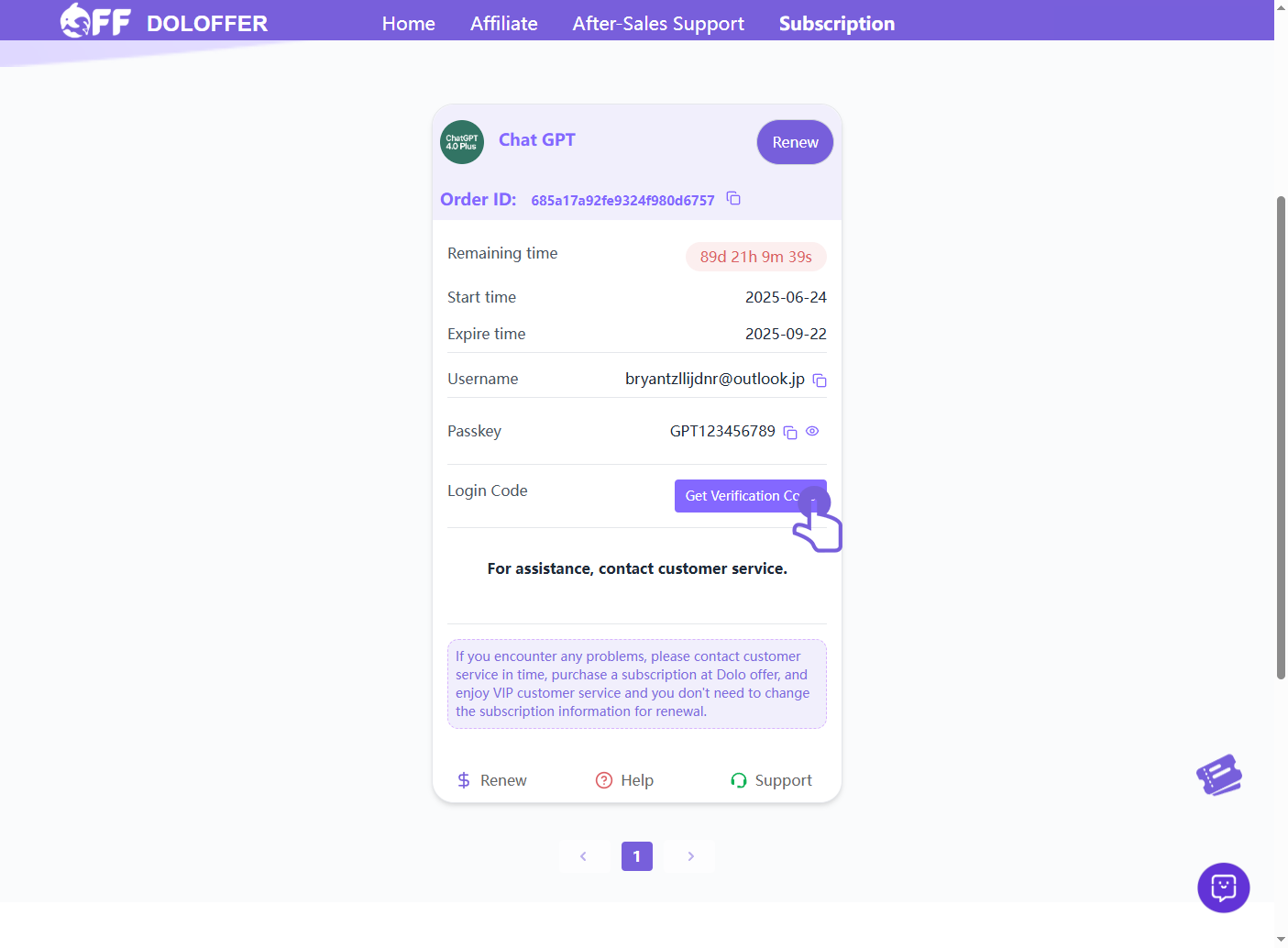
Copy the displayed code, paste it into the ChatGPT page, and click 'Continue'.
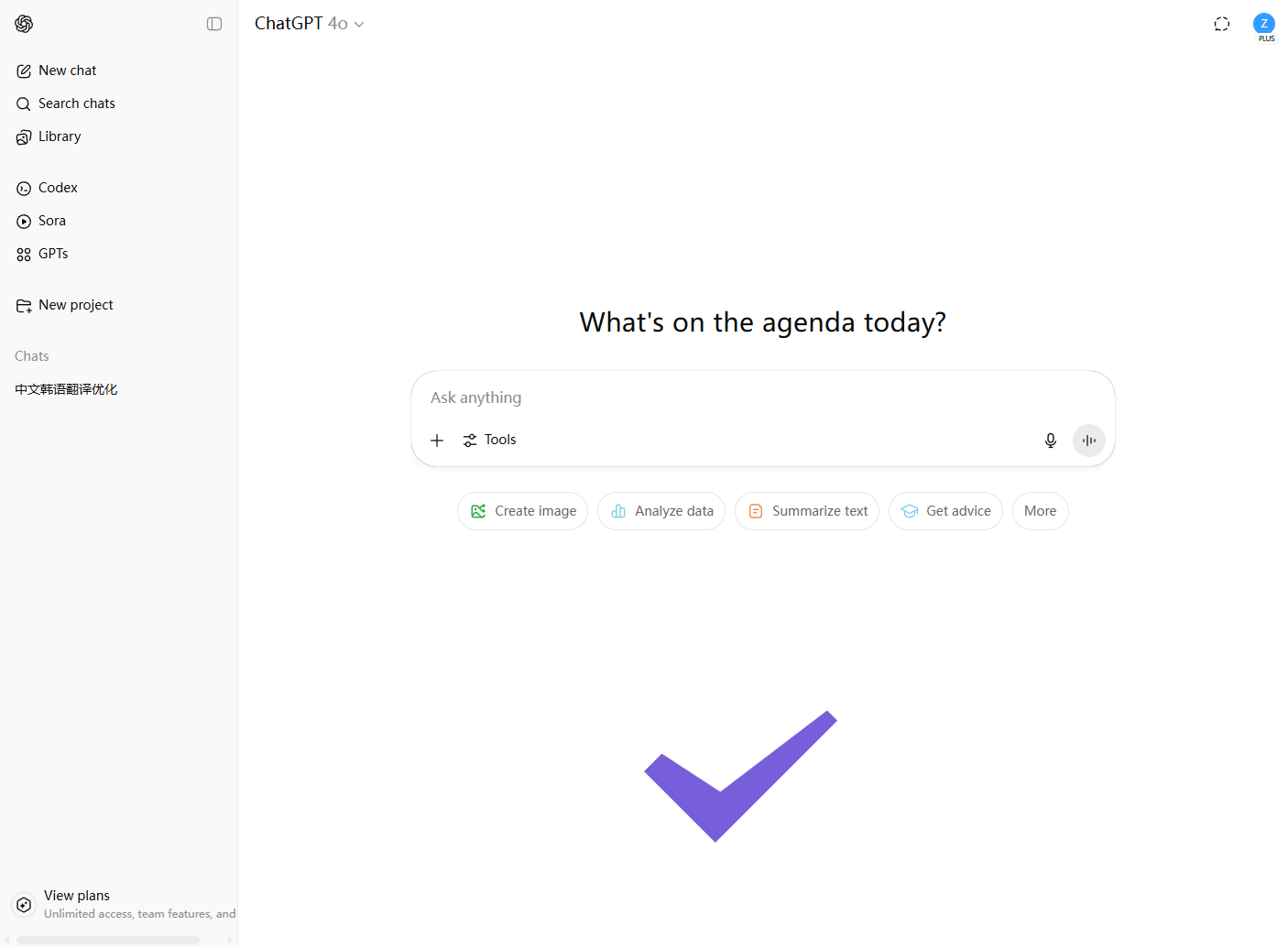
After successful verification, you'll be redirected to the ChatGPT 4.0 Plus homepage and can begin using it.
Related articles
How to Import Playlists to SoundCloud Without Losing Tracks
To import playlists to SoundCloud without losing tracks, you need to pick the right route before you start. A public playlist from Spotify or Apple Music cannot
Is Spotify Premium Worth It?
Spotify Premium feels like a small line item until you multiply it across twelve months and realize you are paying full price for the same playlists you already
When Does Apple Music Replay Come Out for 2026?
Apple Music Replay does not arrive as a single year-end drop. The 2026 Replay is already live, and it has been updating since late January. Apple typically turn
ChatGPT Free vs. Plus: Which One Should You Use?
ChatGPT Free vs. Plus is not a straight comparison of answer quality. In short exchanges, both tiers often sound similar. The difference appears in pace, usage