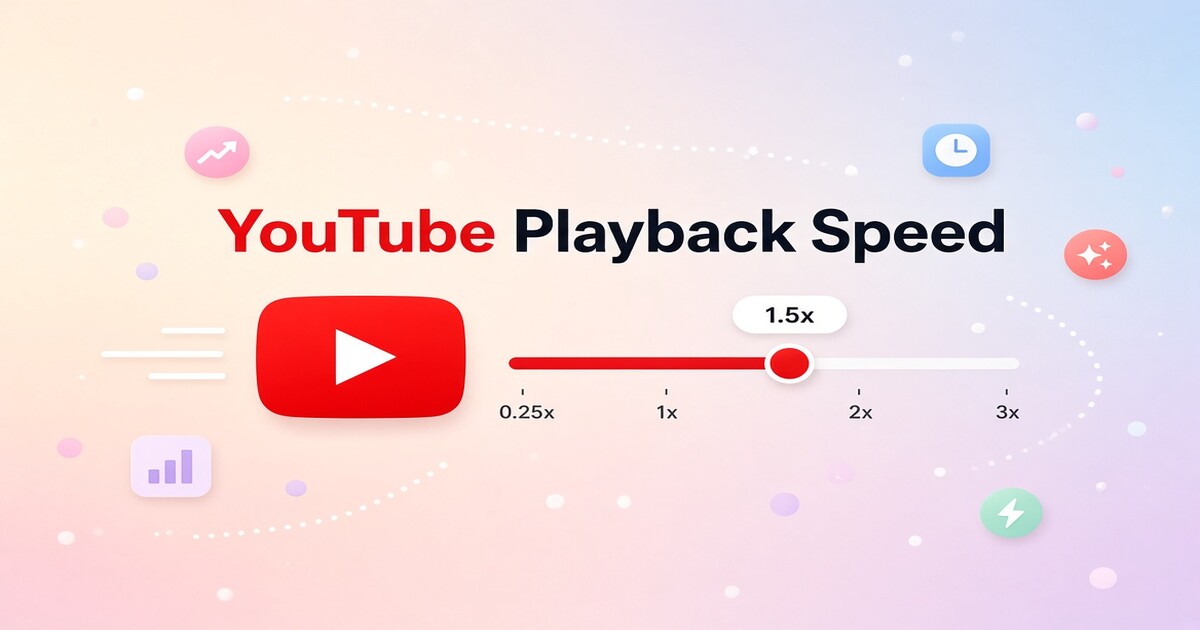
Changing playback speed on YouTube takes less than ten seconds once you know where the control sits. On desktop, click the gear icon in the player; on mobile, tap the screen and open settings. Most people settle at 1.25x or 1.5x for tutorials, podcasts, and lectures, while 0.75x suits fast speakers and language practice. This guide walks through desktop, Android, and iPhone steps, explains which speeds match different content, and fixes missing speed controls. It also covers whether a shared YouTube Premium plan is worth adding.
How Do You Change Playback Speed on YouTube on a Desktop?
To change speed in a desktop browser:
- Pause the video first if you want a stable menu.
- Click the gear icon at the bottom right of the player.
- Choose Playback speed.
- Select any speed from 0.25x to 2x, with Normal at 1x.
- Close the menu and resume playing.
Chrome, Edge, Safari, and Firefox all follow the same flow. YouTube applies the setting for the current video, then usually returns to Normal when you open a new one. This control works whether you are signed in or not, and it does not require a paid plan.
How Do You Change Playback Speed in the YouTube Mobile App?
On an iPhone, iPad, or Android phone, open the YouTube app and play the video. Tap the screen once to reveal controls, then tap the gear icon in the upper right corner. Tap Playback speed and choose a setting from 0.25x to 2x. Tap outside the menu and the video resumes at the new speed.
Current YouTube apps place this control inside the settings gear. If you use an older version, update the app from the App Store or Google Play and the control should appear. YouTube Shorts uses a different player, and some devices do not expose the same speed menu there.
Which Playback Speed Should You Pick for Different Content?
Speed choice depends on what you are trying to do. For a movie, music video, or first viewing, stay at Normal. For classes, news, and explainers, 1.25x removes dead air while keeping most detail clear. If you already know the topic or are reviewing a long recording, 1.5x or 1.75x shortens the session but gives you less pause for thought. Language learners often slow videos to 0.75x because speech becomes easier to separate while pitch remains fairly stable. The table below is a quick starting point.
| Speed | Best match | What changes |
|---|---|---|
| 0.75x | Fast speakers, language practice, heavy accents | Slower speech and longer pauses |
| Normal | Movies, music, first viewing | Original timing and tone |
| 1.25x | Lectures, news, tutorials | Saves about 20 percent, still natural |
| 1.5x | Podcasts, long analysis, familiar material | Saves about 33 percent, clear for most listeners |
| 1.75x to 2x | Review passes, meeting replays, skimming | Noticeably faster, easier to miss nuance |
Start at 1.25x and give it a few minutes. If it feels easy, move to 1.5x. If you find yourself replaying sentences, drop back. That saves more time than watching at 2x and missing the point.
Why Is the Playback Speed Option Missing or Grayed Out?
Most missing controls come from the app or browser, not the video. If the playback speed option does not load in a browser, refresh the page and clear YouTube site data. On mobile, update the app. A small number of embedded players on other websites hide speed options, so open the video directly on YouTube.com or in the app.
Some TVs and older streaming sticks do not show the full settings menu. If you are on a TV, open the player controls and look for the gear icon, but understand that not every model supports the same range. Live streams also handle playback differently from regular uploads, so the full speed list may not appear.
If playback speed works and your only remaining issue is ad breaks or locked-screen stops, it is worth checking whether a shared Premium plan covers your account and device. DolOffer lists current shared plan availability and real-time delivery terms on the product page.
Does YouTube Premium Add Better Playback Controls?
Playback speed is not a paid feature, so Premium does not add extra speed options. The service matters more when you combine faster watching with long sessions. Free YouTube interrupts with ads, and audio stops when you lock the screen. Premium skips most ads, keeps audio playing in the background, and adds offline downloads. On a shared plan, those benefits cost much less than a full individual subscription.
DolOffer offers shared YouTube Premium plans at a discount, with real-time delivery, one-click password reset, SSL encrypted payment, and a 24-hour money-back guarantee. If you are deciding between a shared seat and a standard individual plan, use the email and phone support channels listed on DolOffer's contact page to confirm regional availability. Then check today's price and stock on the product page and start listening at 1.5x for less.
What Else Should You Know About Changing Playback Speed on YouTube?
Can I change the speed on every YouTube video?
For standard videos, yes. The control appears on desktop and in the current YouTube app for iOS and Android. Shorts, live streams, and some embedded players may not show speed controls, and a few TV apps run older player versions that hide them. If the option is missing, open the video directly on YouTube.com or update the app. Playback speed does not require a paid plan, so you can adjust it on a free account before deciding whether shared Premium features are worth the extra cost.
Will faster playback make voices sound high and unnatural?
A common worry is that faster playback will make voices sound high and unnatural. That is usually not what happens. YouTube keeps pitch stable as speed increases, so speech becomes quicker but not higher. Some listeners still need time to adjust at 1.5x or above. If 1.25x feels comfortable, stay there for a full video before moving up. The goal is to save time without forcing yourself to replay sentences.
Why does my playback speed keep resetting?
It depends on how you watch. The YouTube app sometimes keeps your last speed for the current session, but it often resets to Normal when you open a new video or restart the app. Premium does not change that behavior. For longer study or work sessions, set the speed at the start of each video instead of relying on the app to remember. That keeps the habit reliable and avoids the distraction of fixing the setting mid-video.
Does playback speed work the same on a shared YouTube Premium plan?
From a cost standpoint, this is the question worth asking. Playback speed is the same on free and Premium accounts, so a shared Premium plan is about paying less for the full experience, not unlocking faster controls. The value comes from removing ads, playing audio in the background, and downloading videos for offline use. DolOffer lists shared YouTube Premium plans with real-time delivery and a 24-hour money-back guarantee. Check the current price and regional availability on the product page before you decide.