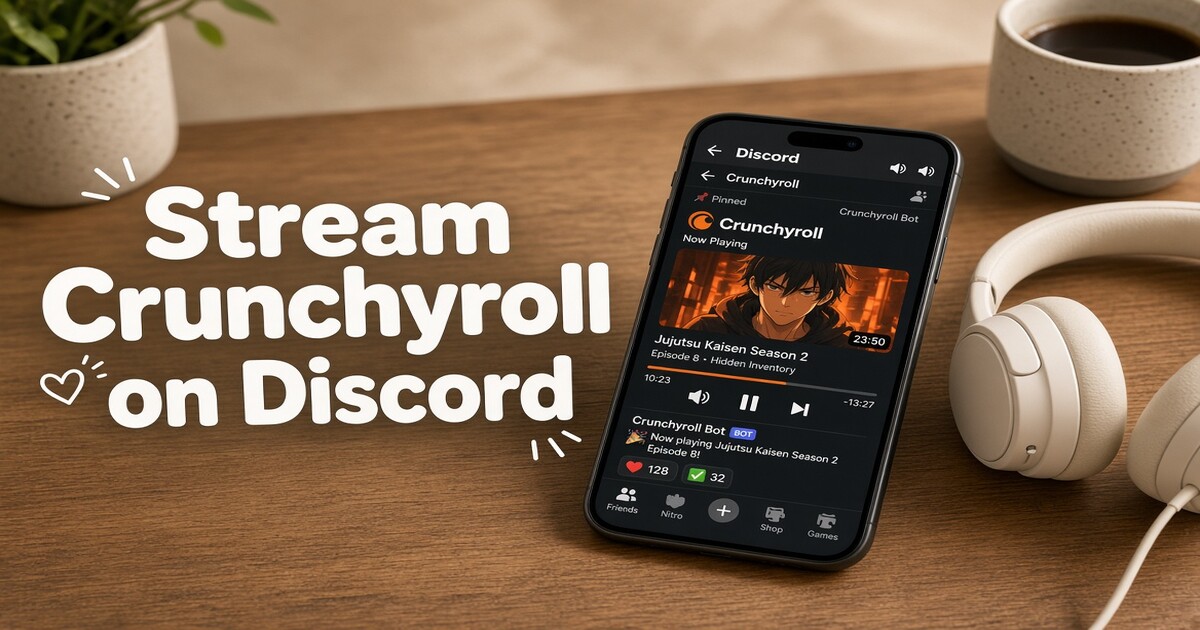
Streaming Crunchyroll on Discord usually fails for one of two reasons: Discord cannot capture the video frame, or it captures the picture but not the sound. Neither problem comes from your Crunchyroll plan. A black screen is the browser's copy protection hiding the video layer from screen capture, and silent audio is a wrong source selection in the share dialog. Both are fixable in a few minutes once you know which layer is failing. This walkthrough covers the setup order, the fixes that resolve most failures, and the account rules worth checking before you invite friends to a watch party.
What You Need Before You Start Sharing
Four things need to be in place, and one of them is usually the reason a watch party stalls.
- An active Crunchyroll plan. The ad-supported tier plays only part of the catalogue, so confirm the specific episode opens for you before the group gathers.
- The Discord desktop app. Screen sharing with sound is a desktop feature. The mobile apps can watch a stream but cannot reliably start one with audio.
- A voice channel you are already connected to. Screen sharing starts from the voice panel, not from a text channel.
- Upload headroom. Screen sharing sends video outward, so your upload speed matters more than your download speed. A connection that streams video smoothly in one direction can still choke when it has to send a 720p picture to three people at once.
If friends will also log in on their own devices, check how many simultaneous streams your plan allows before the evening starts. It is easier to plan around that limit than to discover it halfway through an episode.
How to Stream Crunchyroll on Discord Step by Step
- Join a voice channel in the Discord desktop app. The share button lives in the voice panel that appears once you are connected.
- Open Crunchyroll in a browser and load the episode. Pause it once the player appears so Discord has a live frame to capture when you start sharing.
- Click the screen share button at the bottom of the voice panel. In a server this may appear as Go Live, which is the same feature under a different name.
- Choose what to share. A browser tab, an application window, and the entire screen behave differently, and the difference decides whether you get a black screen or a clean picture.
- Set the stream quality. Start at 720p and 30 frames per second for a small group, then raise it only if everyone's connection holds steady.
- Enable sound sharing. This toggle is the one people miss. Without it, viewers get a silent picture and assume the audio is broken.
- Ask one friend to confirm picture and sound before you press play. Thirty seconds of checking saves twenty minutes of restarting.
| Share source | What Discord captures | Best for | Watch out for |
|---|---|---|---|
| Browser tab | The tab's video and its audio | Clean audio isolation | Most likely to go black when copy protection engages |
| Application window | That window and its audio on Windows | Keeping notifications out of the call | Some players still render protected video as black |
| Entire screen | Everything on your display plus system audio | Getting past black screens | Notifications, other tabs, and messages leak into the call |
Why the Screen Goes Black and How to Fix It
Crunchyroll delivers video through a DRM module, Widevine in most browsers, which draws the frame in a protected layer. Screen capture tools ask the operating system for the composited image, and that protected layer is deliberately excluded. The recorder receives a black rectangle while the audio keeps flowing. This is why the episode looks perfect on your own monitor and black to everyone on the call.
Turning off hardware acceleration moves decoding into software, which often puts the frame back where the capture can read it. Try the fixes in this order:
- Disable hardware acceleration in the browser, then restart the browser completely.
- Switch browsers. Chromium-based browsers share a capture path, so moving to Firefox genuinely changes the mechanism rather than just the skin.
- Change the share source, cycling from tab to window to entire screen.
- Disable hardware acceleration in Discord as well, under Settings, then Advanced.
- Update the graphics driver. Capture failures sometimes disappear after a driver update because the compositor path changes.
- If the Crunchyroll desktop app window also goes black, fall back to the browser rather than fighting the app.
DRM behaviour changes with browser and operating system updates, so a fix that works this month can stop working after an update. Test with a trailer or the first thirty seconds before the group settles in.
| Symptom | Likely cause | First fix to try |
|---|---|---|
| Black screen, audio fine | Protected video layer excluded from capture | Disable hardware acceleration in the browser |
| Picture fine, no audio | Wrong share source or sound toggle off | Share the application window with sound enabled |
| Choppy video, audio fine | Upload bandwidth below the stream bitrate | Drop to 720p or 30 frames per second |
| Works, but viewers hear an echo | Someone else is playing the same episode locally | Mute the duplicate playback |
| Stream dies when you switch tabs | Tab share lost its source | Share the window or entire screen instead |
| Friends see your desktop, not the episode | Entire-screen share selected | Switch to window or tab share |
Getting the Audio Into the Voice Channel
Sound sharing is a separate switch from screen sharing, and it behaves differently on each operating system. On Windows, sharing an application window routes that app's audio into the call while leaving the rest of your system out. Sharing the entire screen routes everything, which is why a message notification can suddenly play over the episode.
On macOS, audio sharing depends on the OS version and on a system recording permission granted the first time you try. If the toggle is on but nobody hears anything, check that permission before assuming Discord is at fault. On Linux, screen share audio support depends on the audio stack your distribution ships.
Three smaller things account for most remaining silence. A muted browser tab sends nothing even when every setting is correct, so check the speaker icon on the tab itself. A virtual audio device or a second output can send the sound somewhere Discord is not listening. And noise suppression targets your microphone, not the shared stream, so turning it on will not remove the episode audio; if the sound is muffled, look at the tab volume and the system volume mixer instead.
Resolution, Frame Rate, and Keeping the Stream Smooth
Two ceilings decide how good the stream can look. The first is what Crunchyroll sends you: most titles are served at up to 1080p, so there is no extra detail above that for Discord to carry. Raising the stream setting past the source resolution spends bandwidth without adding sharpness.
The second ceiling is Discord's own quality cap, which is lower on the free tier and higher with Nitro. If your group is small and the source is 1080p, a 720p share still reads clearly on a laptop screen and leaves room for voice.
Frame rate is where people overspend. Most television anime is animated at 24 frames per second, so a 30 fps capture already carries every frame the source has. Pushing to 60 fps mostly duplicates frames and asks for more upload. When viewers report stutter, lower the resolution before the frame rate, because resolution reduces the bitrate more reliably. A wired connection beats Wi-Fi, and if you must use Wi-Fi, use the 5 GHz band and ask viewers to pause large downloads during the episode.
Watching Together Without Breaking Crunchyroll Rules
Two activities get confused, and the difference matters. Sharing your screen into a private voice call is one thing. Handing out your username and password is another, and that is what account-sharing clauses target: Crunchyroll treats an account as personal and non-transferable.
Simultaneous playback is the practical limit to watch. Entry plans allow a single stream, while the higher tiers allow up to four at once. Your screen share counts as one, because your account is the one playing. Each friend who logs in separately uses another. Planning around the number of separate playbacks, rather than the number of people in the call, keeps everyone inside the limit without surprises.
Catalogues also differ by country, so an episode available to you may not exist in a friend's region, and that has nothing to do with the stream setup. Reselling access is a clear violation of the terms and carries real risk. Co-viewing over a voice call sits in a grayer area that the terms do not spell out, so read the current terms for your region and keep watch parties to people you actually know.
Bring the Subscription Cost Down Before the Next Watch Party
If the subscription behind your screen share is one of the larger lines on your monthly bill, splitting that cost is the simplest way to keep the episodes coming. DolOffer provides shared subscriptions to streaming and digital services with real-time delivery, one-click password reset, SSL-encrypted payment, and 24-hour customer support, plus a 24-hour money-back guarantee if a seat does not work for you. Tell us which service you watch most and how many people will split the bill, and we will point you to the plan that fits. Start at doloffer.com.
FAQ
Can you stream Crunchyroll on Discord from a phone?
You can watch someone else's stream on the Discord mobile app, but starting one with sound is a desktop job. iOS has no screen share, and Android screen capture usually sends the display without the app audio, so viewers get silent video. Use a Windows, macOS, or Linux machine for the episode and keep the phone as a convenient second screen for chat.
Why can my friends hear the episode but not see it?
That combination points at copy protection rather than the network. The protected video layer is being excluded from the capture while the audio path stays open. Disable hardware acceleration in the browser, restart it, and share the entire screen instead of the tab. If the black screen persists, try a different browser before you suspect your account or your connection.
Does screen sharing use one of my Crunchyroll streams?
Yes. Your account is playing the episode, so it counts as one active stream regardless of how many people are watching your Discord window. The limit only matters when friends log in on their own devices at the same time. Plan around separate playbacks, not around the number of people sitting in the voice channel.
What upload speed do I need to stream Crunchyroll on Discord?
Enough to send the stream bitrate with headroom for voice. At 720p and 30 frames per second, a few megabits of upload covers the video, and voice adds very little on top. If viewers report stutter while your own playback is smooth, upload is the bottleneck: lower the resolution first, since that reduces bitrate more reliably than lowering the frame rate.
Is it okay to watch Crunchyroll with friends over Discord?
It depends on how you do it. Sharing your screen inside a private call is not the same as giving out your password, which the terms prohibit, and it is not the same as reselling access, which is clearly against them. Co-viewing sits in a gray area the terms do not spell out, so read the current terms for your region before you make it a weekly habit.