How to Use Your Netflix Account to Start Watching
DolOffer Netflix shared subscription usage tutorial and FAQ.
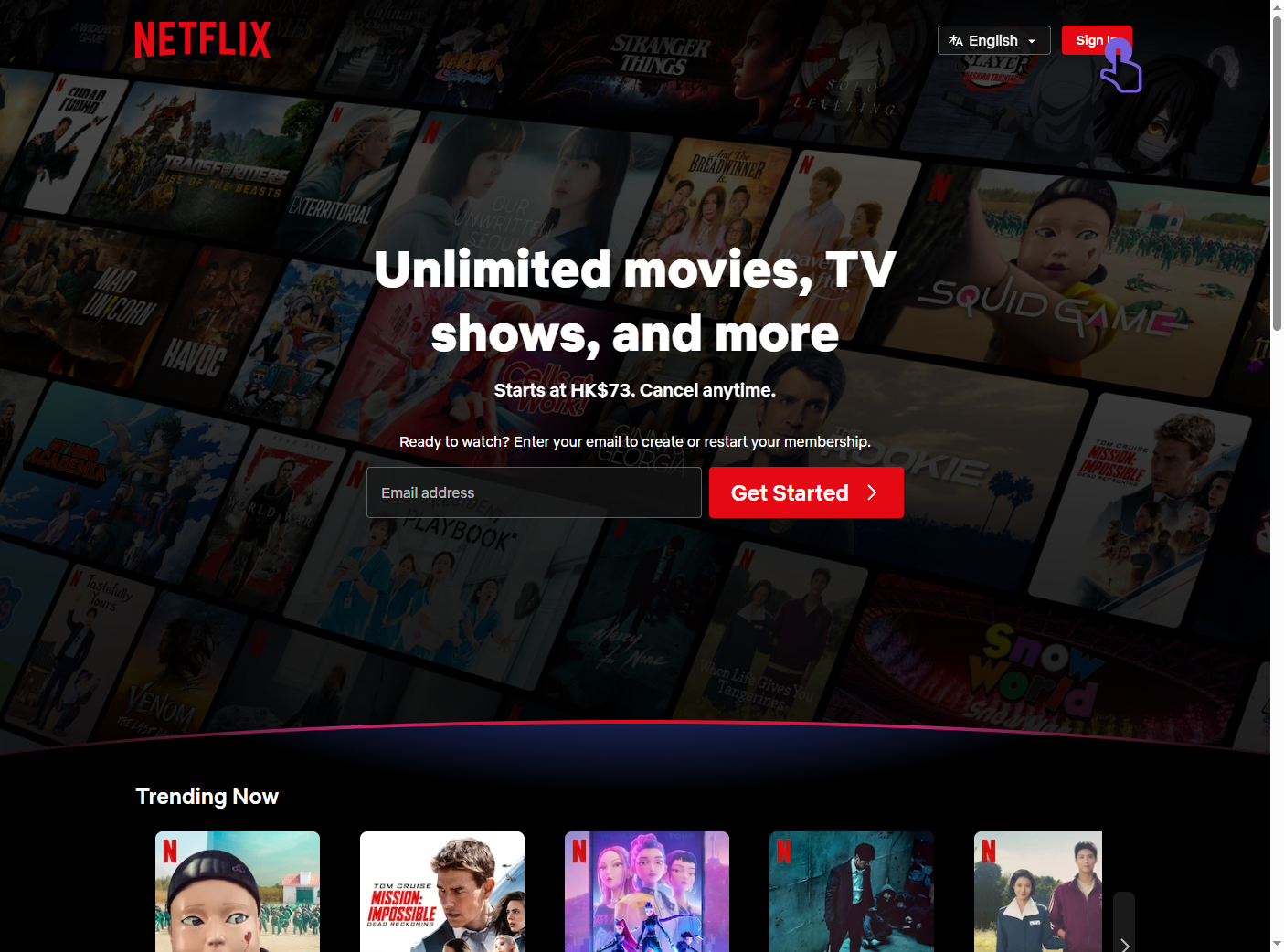
1. Go to the official Netflix website and click the "Sign In" button at the top right. Go to Netflix Login Page
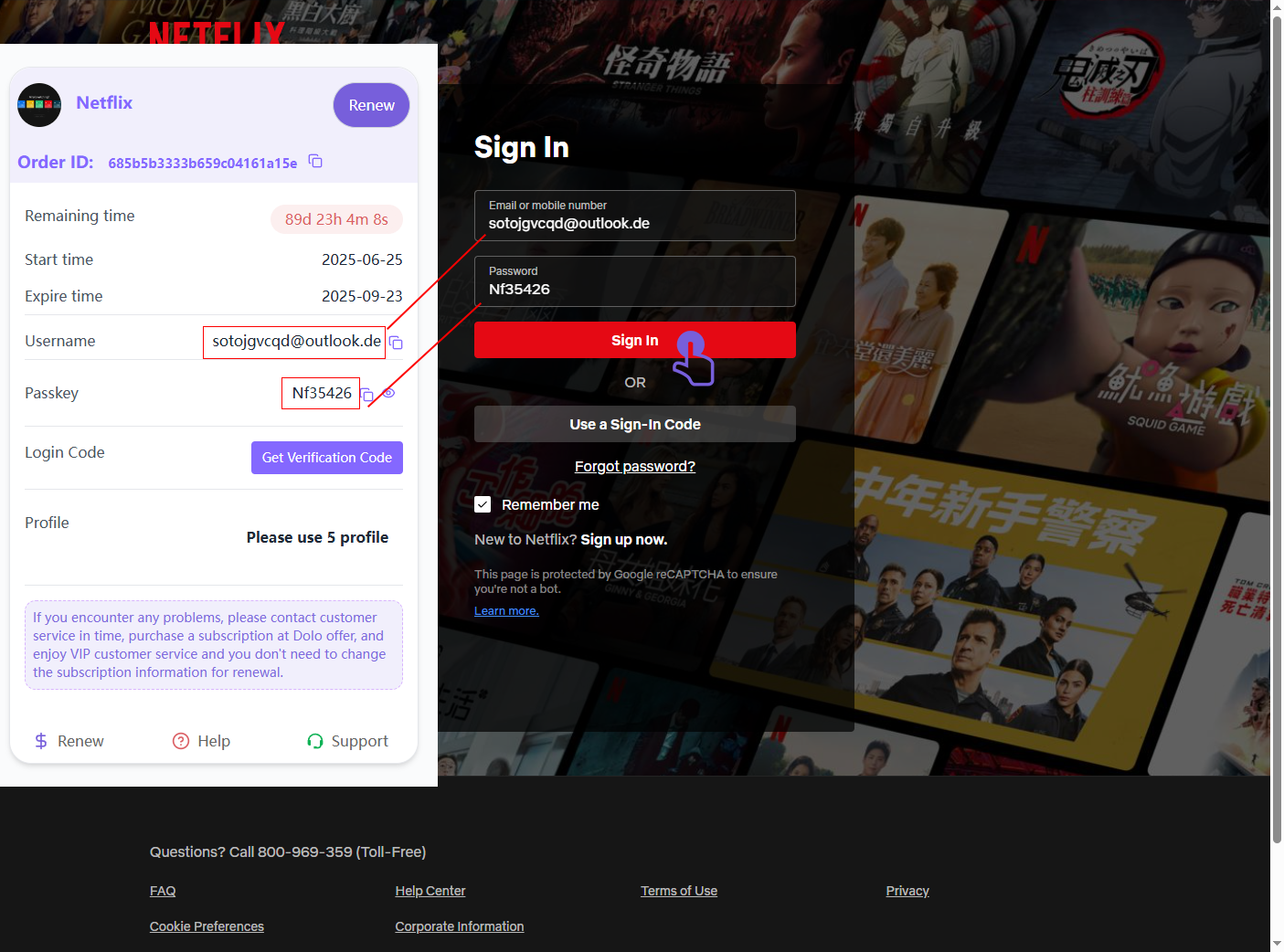
2. Enter the provided email and password, then click the red "Sign In" button.
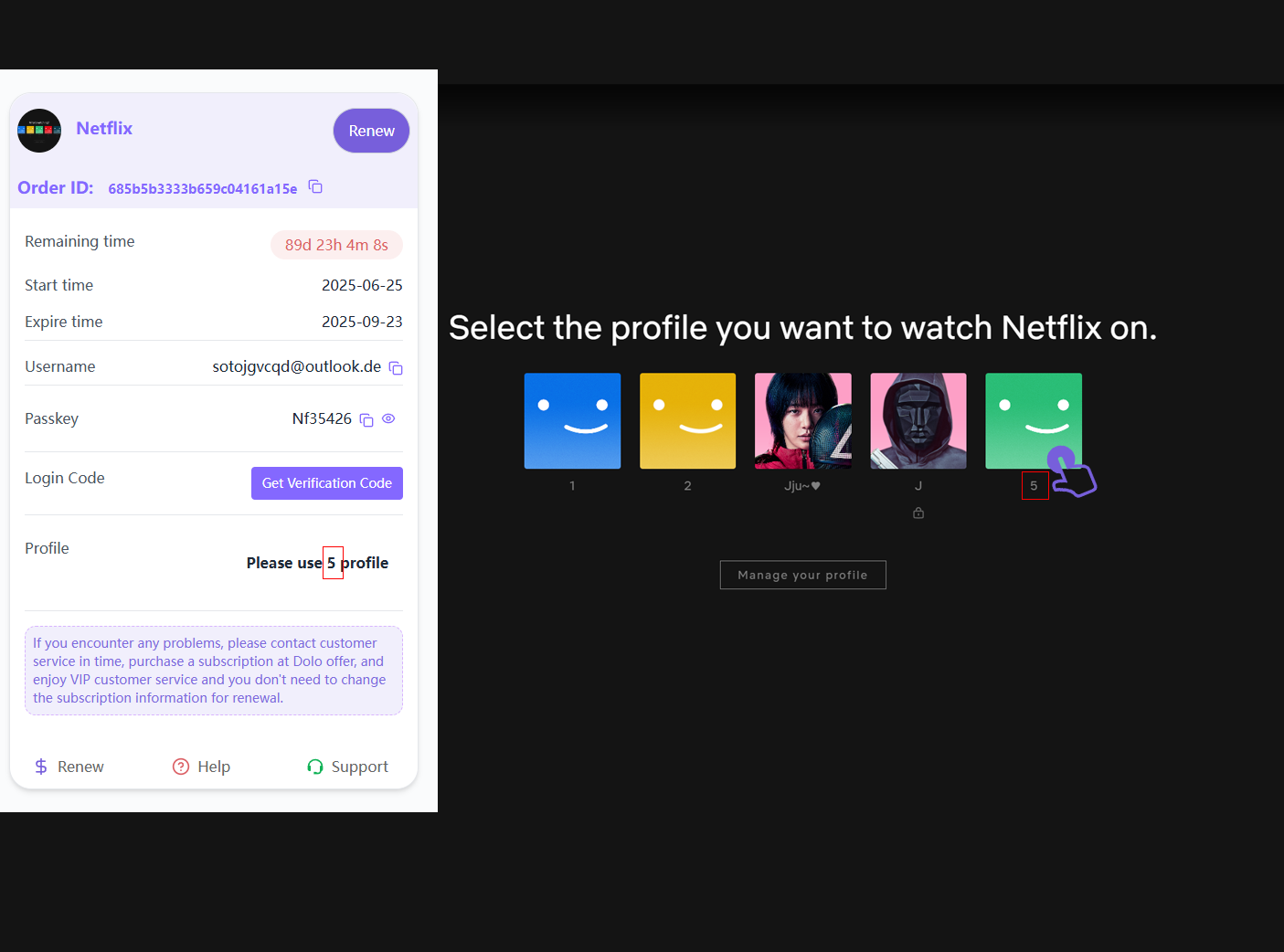
3. After signing in, select the profile shown in the position indicated by the number under the icon (e.g., profile number 5). This is your designated viewing area.
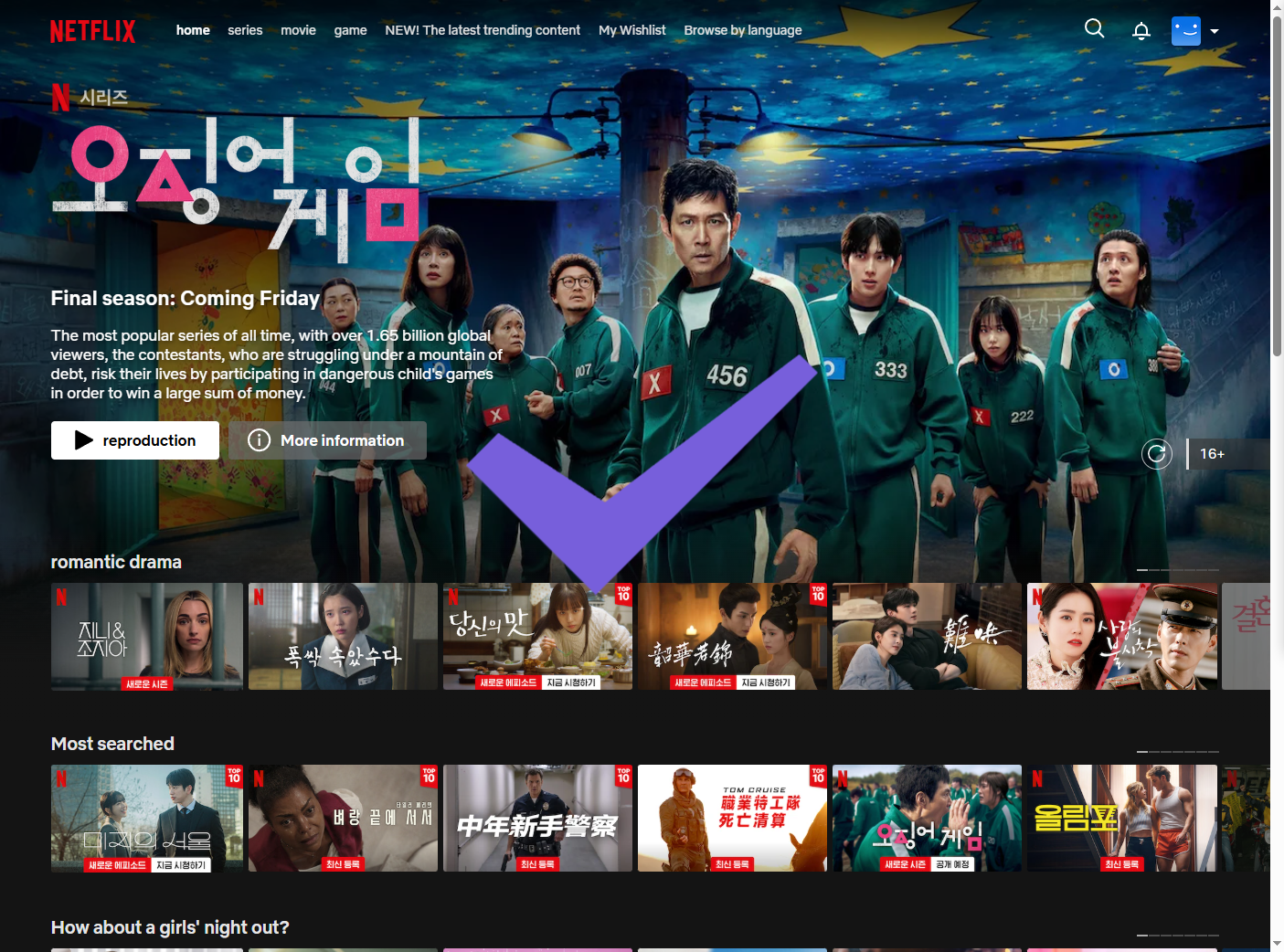
4. Once you’ve entered the correct profile, you’re ready to browse and watch your favorite shows!
If you experience login issues or see an expired account message, please check the subscription status or contact support for help.
Related articles
How to Import Playlists to SoundCloud Without Losing Tracks
To import playlists to SoundCloud without losing tracks, you need to pick the right route before you start. A public playlist from Spotify or Apple Music cannot
Is Spotify Premium Worth It?
Spotify Premium feels like a small line item until you multiply it across twelve months and realize you are paying full price for the same playlists you already
When Does Apple Music Replay Come Out for 2026?
Apple Music Replay does not arrive as a single year-end drop. The 2026 Replay is already live, and it has been updating since late January. Apple typically turn
ChatGPT Free vs. Plus: Which One Should You Use?
ChatGPT Free vs. Plus is not a straight comparison of answer quality. In short exchanges, both tiers often sound similar. The difference appears in pace, usage