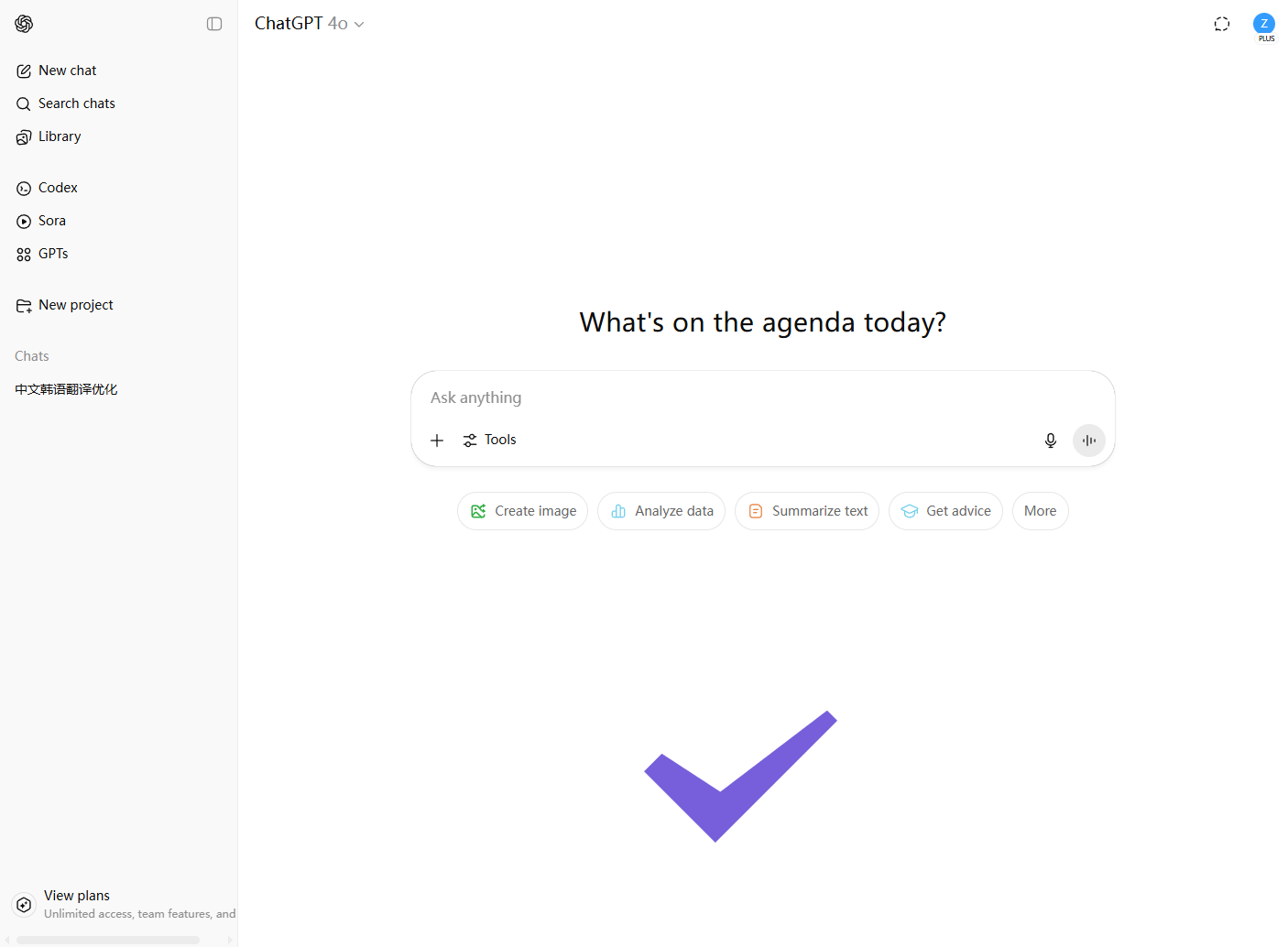
Log in to ChatGPT using the account provided by Doloffer
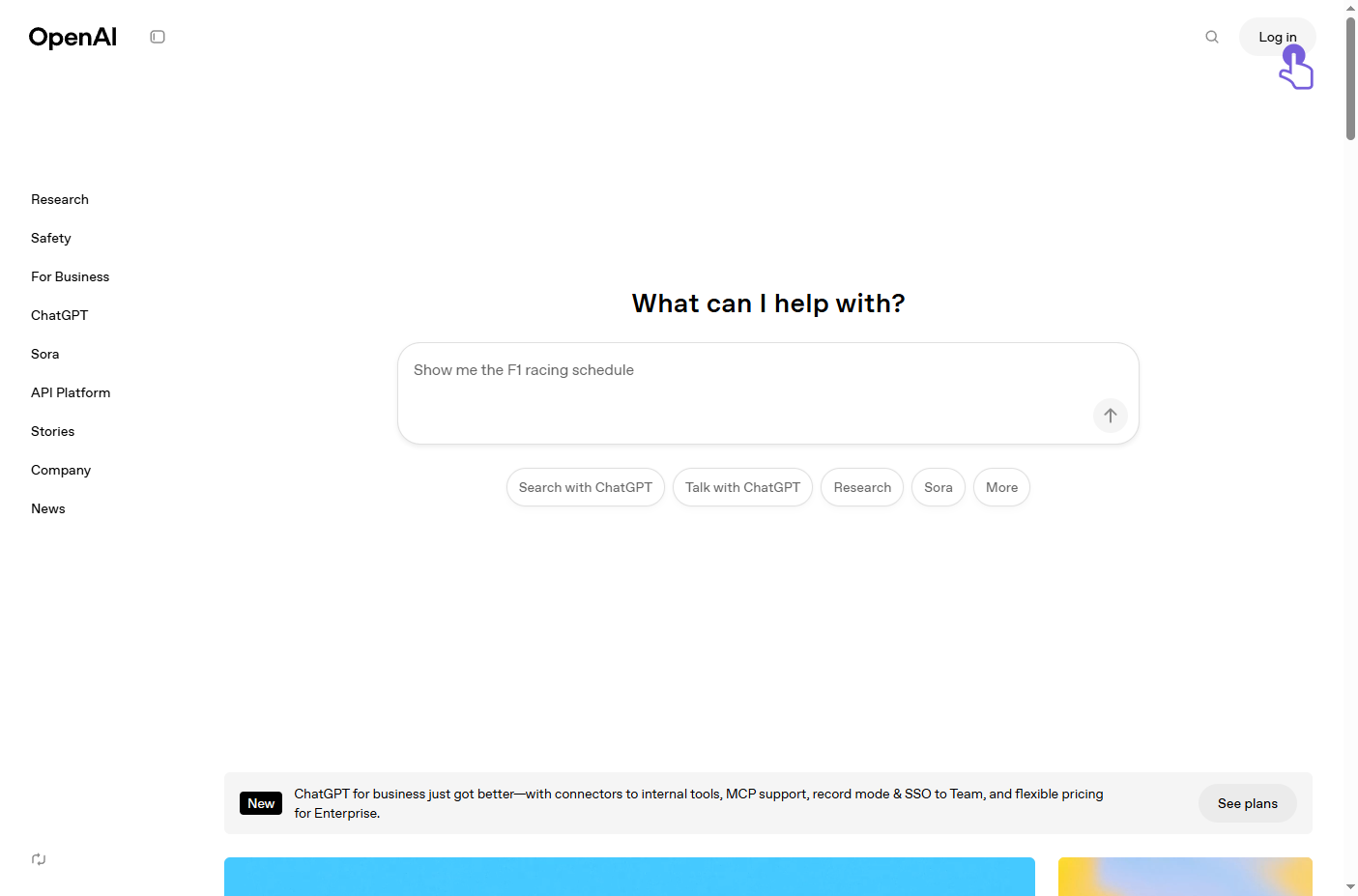
1、 Open the OpenAI website and click the 'Log in' button at the top right.Click to visit the OpenAI website
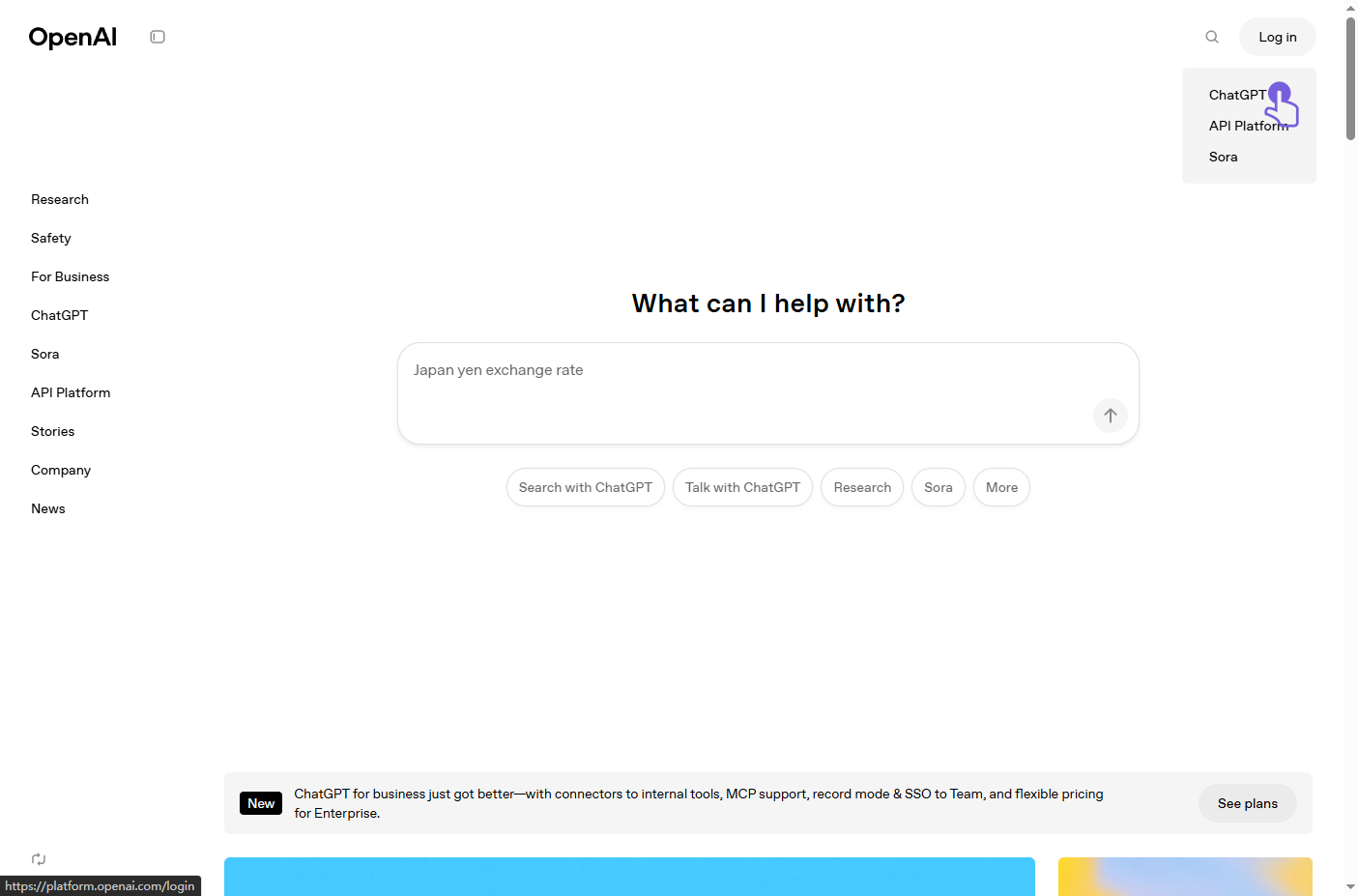
2、 When the entry options pop up, click 'ChatGPT' to go to the login page.
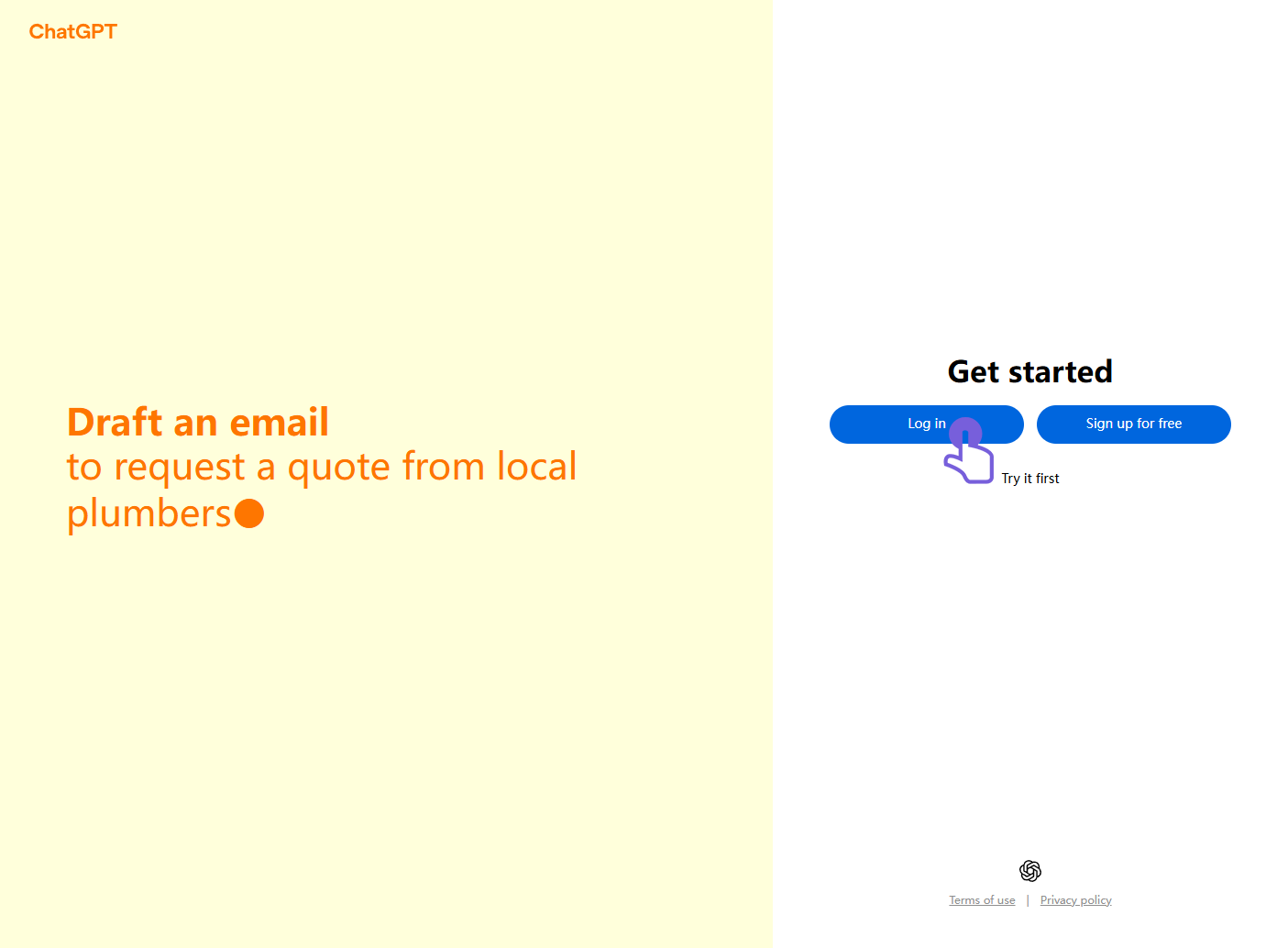
3、 On the ChatGPT page, click the blue 'Log in' button.
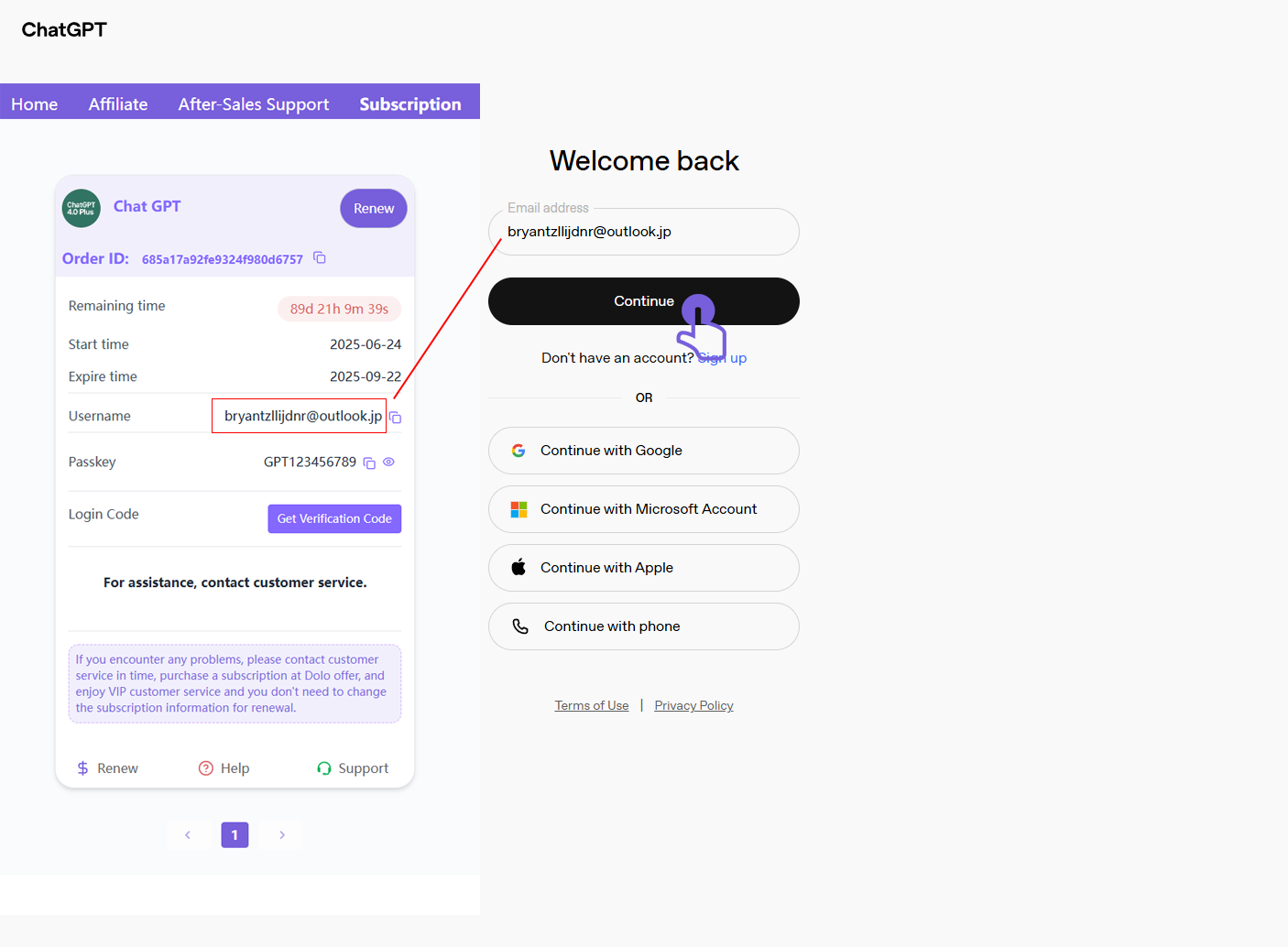
4、 Enter the email address provided by Doloffer (e.g., [email protected]), then click 'Continue'.
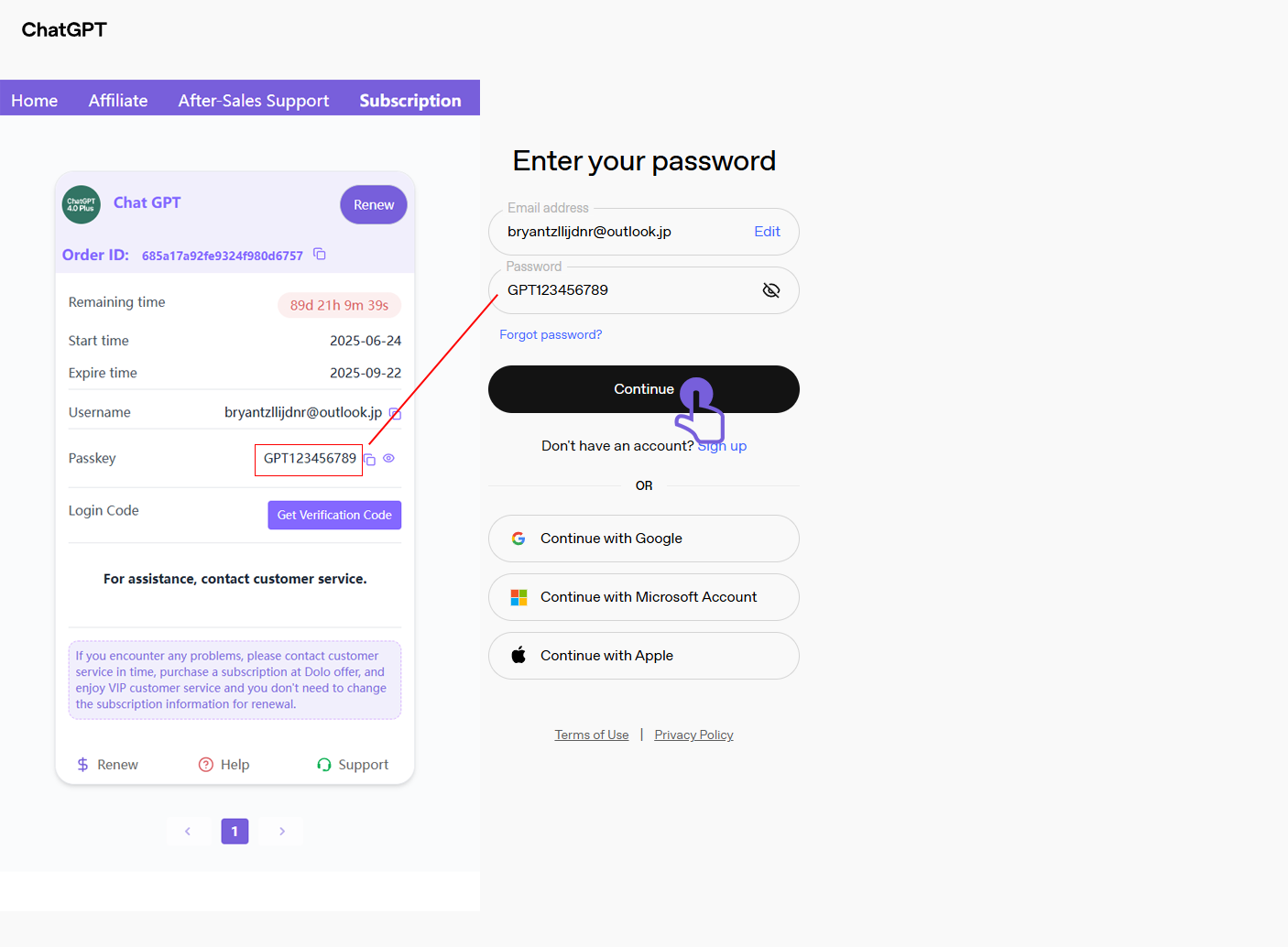
5、 Enter the password provided by Doloffer (e.g., GPT123456789), then click 'Continue'.
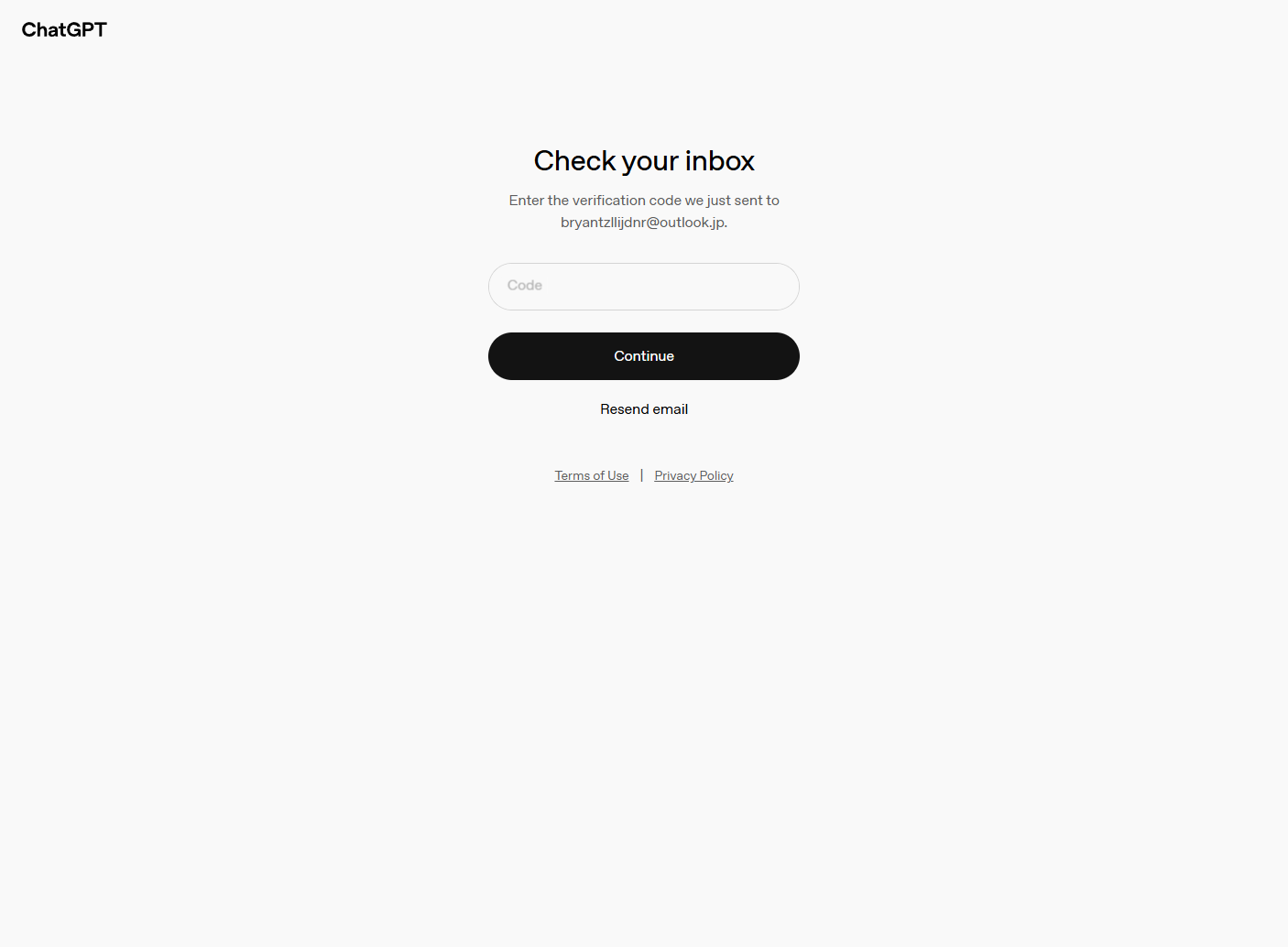
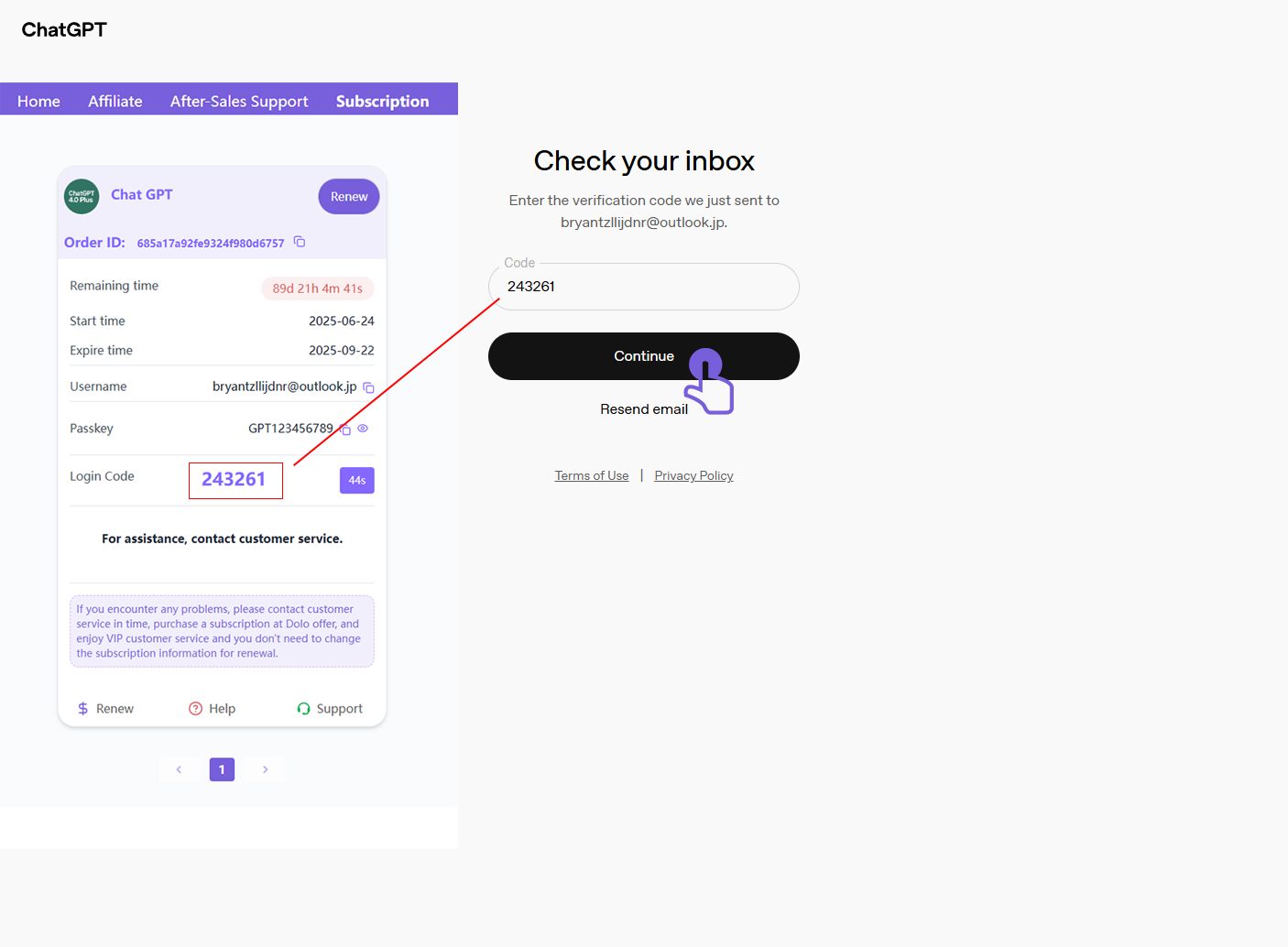
6、 A verification code prompt will appear. Do not close the page—just wait.
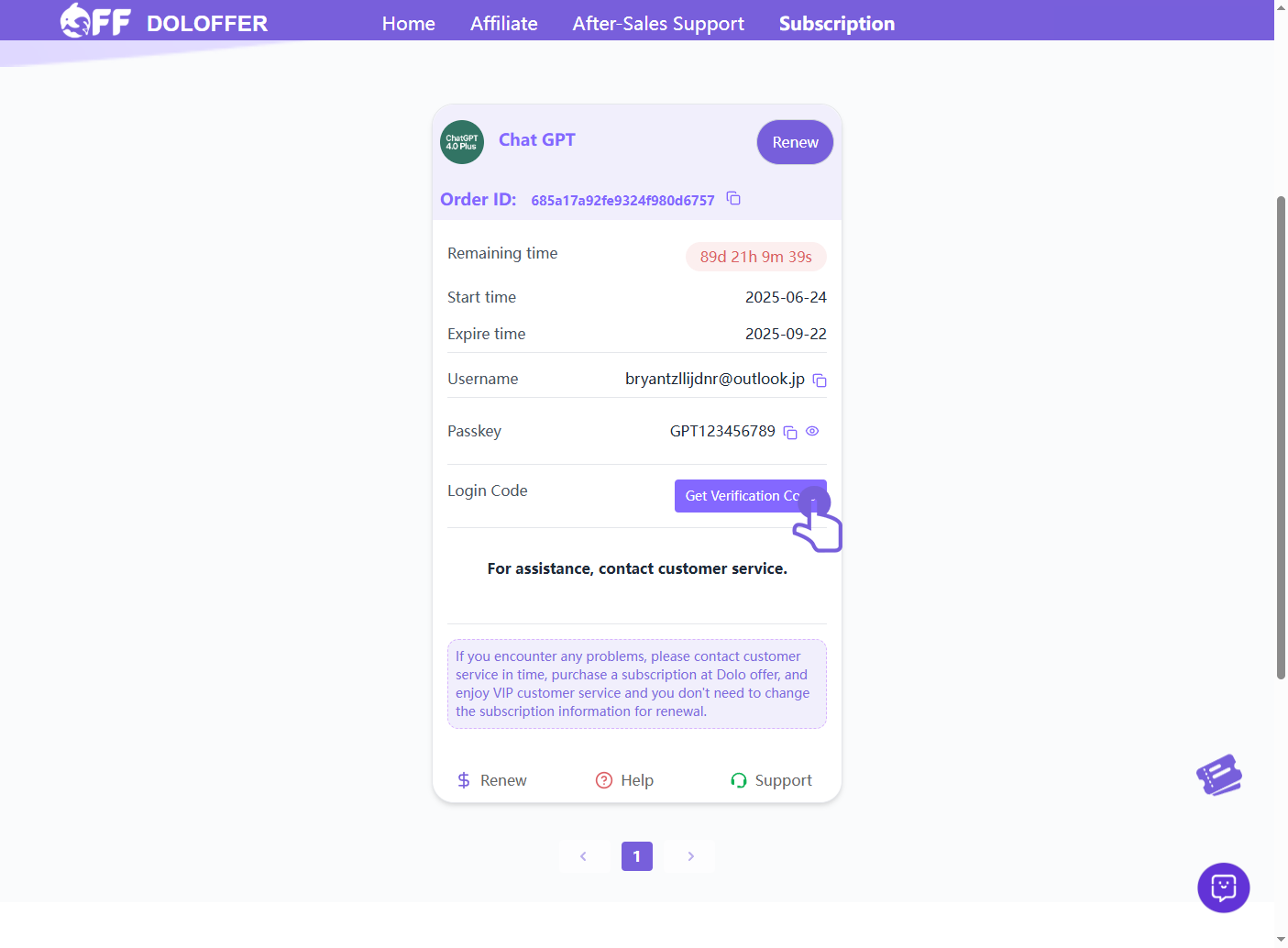
7、 Return to the Doloffer page and click the 'Get Verification Code' button.
8、 Copy the displayed code, paste it into the ChatGPT page, and click 'Continue'.
9、 After successful verification, you'll be redirected to the ChatGPT 4.0 Plus homepage and can begin using it.