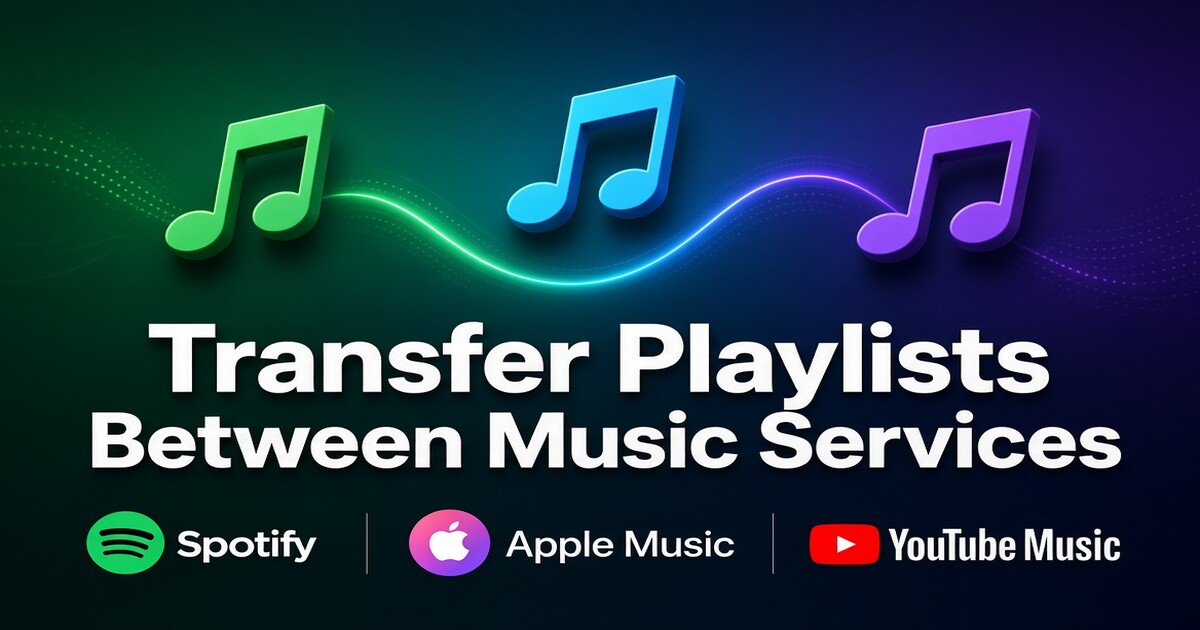
Every streaming service stores a playlist as an ordered list of its own track identifiers, and those identifiers mean nothing inside a competing catalog. That is why a playlist cannot be copied the way a folder of files can. When you transfer playlists between music services, the tool reads each entry, searches the new catalog for a recording that matches title, artist, album and duration, then writes whatever it finds into a fresh playlist. Most entries resolve to the exact recording. Some resolve to a different release of the same song. A few resolve to nothing at all. The job becomes predictable once you treat the result as a proposal to verify rather than a copy to trust.
Why a Playlist Transfer Rebuilds a Playlist Instead of Copying Files
The audio itself was never inside the playlist. Spotify, Apple Music, YouTube Music, Tidal and Deezer each keep playback files separate and store the list as pointers into their own library. A tool cannot carry those pointers across, so it performs a search per track and builds new pointers in the target service. Matching leans on the metadata attached to each entry: track title, artist credit, album name, duration, and, when the service exposes it, an ISRC, the code assigned to one specific recording.
Two categories of failure follow from that design. Catalog gaps appear when a release is licensed differently by region, pulled by the rights holder, or sold as an exclusive. Version mismatches appear when several recordings share a title: the album cut, the single edit, the remaster, the live take, the radio version, or a compilation copy with a different duration. A search that scores a match does not know which one you meant.
Content that never lived in the catalog behaves differently again. Local files you added yourself, uploaded music, podcast episodes and audiobook chapters have no counterpart to find, so a tool either skips them or reports them as unavailable.
Pick the Transfer Method That Fits Your Library
| Method | Works well for | What it does | Where it stops |
|---|---|---|---|
| Native export, where the service offers one | leaving a service that lets you download your library | writes your playlists and saved music into a file | rarely reads a rival service; you still need something to import the file |
| Third-party transfer service such as TuneMyMusic, Soundiiz, FreeYourMusic or SongShift | most libraries, especially large ones | reads the source, searches the target, writes a new playlist, returns a match report | free tiers cap tracks or runs; matching is automatic, so wrong versions need manual repair |
| Manual rebuild | short, carefully curated lists | you choose every version yourself | time; unworkable past a few hundred tracks |
| Script against the service APIs | developers and repeatable pipelines | full control over matching rules and metadata priorities | you maintain tokens, rate limits and mapping logic |
Free tiers are usually limited by tracks per transfer or transfers per month, so check the current cap before starting a large library. A tool's completion figure tells you how many entries it wrote, not how many are the correct recording. That distinction is the whole of the next two sections.
Run the Transfer Step by Step
The sequence below keeps the source intact until the destination has been checked. Steps marked required protect the playlist or the account. Optional steps only save time.
- Required. Decide what the destination is allowed to read from the source account. Third-party tools can only see playlists the source service exposes, so a private list has to be made public or unlisted for the duration of the run.
- Required. Authorize both accounts through the service's own login page rather than typing a password into the tool, and revoke that access once the job is finished.
- Required. Start with the shortest playlist in your library. It teaches you how the tool names things and how it reports misses before you commit a long list to the same logic.
- Optional. Split a large library into batches if the free tier caps the number of tracks per run. Batching costs a few extra minutes and avoids a failed run halfway through.
- Required. Leave the source playlist untouched until the check below passes. Deleting first is the one mistake that cannot be undone.
- Required. Set the source playlist back to private once the transfer is complete, particularly if it was opened up only for the tool.
- Optional. Enable scheduled sync only after a manual run has come back clean. Each later run appends tracks, and an automatic run combined with hand edits is how duplicates appear.
Check the Result Before You Delete the Source Playlist
Verification is a three-pass check, and each pass catches a different failure.
The count pass compares the number of tracks in both playlists. The destination should be close to the source and never larger than it, unless the tool duplicated an entry. A shortfall tells you how many tracks need attention, not which ones.
The version pass is the one most people skip. Open a handful of tracks in the new playlist and confirm the album, the artwork and the duration. Then compare total runtime between the two lists. A large gap in total duration points to version substitutions rather than missing tracks, since the wrong edit changes length without changing the count. This pass also catches the albums that were matched as compilations, where a track exists but the credits and artwork are wrong.
The order pass checks that the sequence survived. Look at the first few tracks, the last few, and any run where one song is meant to blend into the next. Most tools preserve order among matched tracks and simply close the gaps left by misses, which quietly changes transitions.
A clean match report from the tool does not prove the library is correct. It proves the tool finished.
Fix the Tracks That Matched the Wrong Version
| Match status | What it looks like | What to do |
|---|---|---|
| Exact | same album, same duration, same artwork | nothing; spot-check only |
| Near match | correct song, different release or remaster | replace with the album version if you care about album context |
| Cover or soundalike | same title, different artist credit | delete it and search manually; automatic tools accept these often |
| Duplicate | the same track appears twice after a re-run | remove one; then check whether scheduled sync caused it |
| Missing | no result, or a region-restricted message | try a live or compilation version, or accept the gap until licensing changes |
Most manual repairs take less time than they sound. Search the title and artist inside the destination app, filter by album, and pin the version you want. For a track that is genuinely absent in your region, keep a note in the playlist description so future you knows the gap was deliberate. Availability also moves in both directions, so a track missing today can reappear, and a region change can remove one that transferred cleanly.
What Does Not Transfer and What It Costs You
Playlists carry more than tracks, and most of the rest stays behind. Play counts, followers, likes, cover art, descriptions, collaborative edits and the listening history that trains recommendations all belong to the old account. Your new taste profile starts from zero, which is why the first weeks of suggestions feel less accurate than the library you just rebuilt.
That cost rarely justifies transferring everything. A workable split is to move the discovery playlists you actually replay, rebuild the two or three curated lists by hand so every version is right, and let the old account's long tail go. Numbered running lists and mood playlists age quickly anyway; the ones worth saving are usually short.
Keep Two Services in Sync Without Paying Twice
Testing a new service for a month is sensible, but paying full price for two premium subscriptions during that test defeats the point of moving. Some transfer tools sell scheduled sync on their paid tier, which re-runs the comparison and appends new tracks. Most listeners do not need it for a one-time move, and every automated run adds duplicate risk when you also edit lists by hand.
If the aim is to keep the old service alive while you judge the new catalog, a shared subscription slot is one way to hold the cost down. DolOffer, for example, supplies shared access to services such as Spotify and YouTube Premium with immediate delivery and a password reset available from the account page. The limits matter as much as the price: a shared slot is not your own family plan, profile and region rules still apply, and anything verified through the account owner rather than your profile does not come with it.
Decide Which Service Earns Your Monthly Payment
Before another billing cycle lands, answer the question the transfer was meant to settle: which catalog covers the music you actually replay. Send us the service you are moving to, the plan tier you need, and whether the old account stays open during the test, and we will point you to the shared plan that matches. Details sit on doloffer.com, and the support channel answers around the clock for the resets and access questions that show up at inconvenient hours.
FAQ
Does transferring a playlist delete it from the original service?
No. An export or a third-party read copies the entries elsewhere and leaves the source untouched. The original list survives until you delete it yourself, which is why the safe order is transfer, verify, then clean up. Keeping the source for a week after the count, version and order passes costs nothing and gives you a reference point if the destination playlist is later edited or lost.
Can I transfer a private playlist?
Usually not directly. Third-party tools can only read what the source account exposes, so set the playlist to public or unlisted for the run, then return it to private. If the service lets you download your library as a file, use that route instead, since nothing needs to become visible. Collaborative playlists need the same treatment, and the other contributors may lose edit access if ownership changes.
Why did some songs arrive as a different version?
Because matching is a metadata search rather than an identity check. The tool accepted the closest release it could find, which may be a remaster, a single edit, a live recording or a copy from a compilation. Correct these by hand and prefer the album version when album context matters. Comparing total runtime between the two playlists is the fastest way to find them without opening every track.
Do play counts, followers and recommendations come with the playlist?
No. Play counts, followers, likes, cover art and the listening history behind your recommendations all stay with the old account. A new account builds its suggestions from scratch, so expect a few weeks of weaker recommendations while it learns. Saving a handful of favorite albums and replaying them deliberately speeds that process up more than importing years of history would.
Can I keep two playlists in sync automatically?
Paid tiers of some transfer services run scheduled comparisons and append new tracks on a set interval. That suits listeners who actively add music to both accounts. For a one-time move it is unnecessary: run the transfer once, complete the three-pass check, then re-run manually after a month if the source list changed. Every automated run appends entries, so duplicates appear quickly if you also edit by hand.