#youtube
19 articles
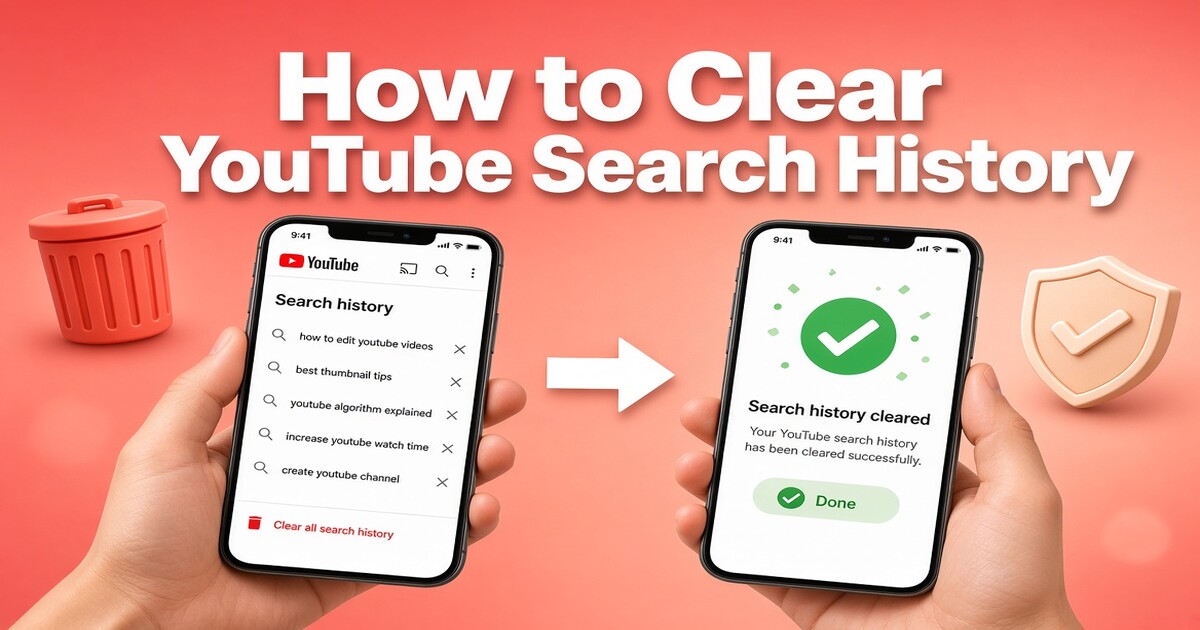
How to Clear YouTube Search History on Any Device
Clearing your YouTube search history takes less than a minute, but the exact path depends on where you are watching.
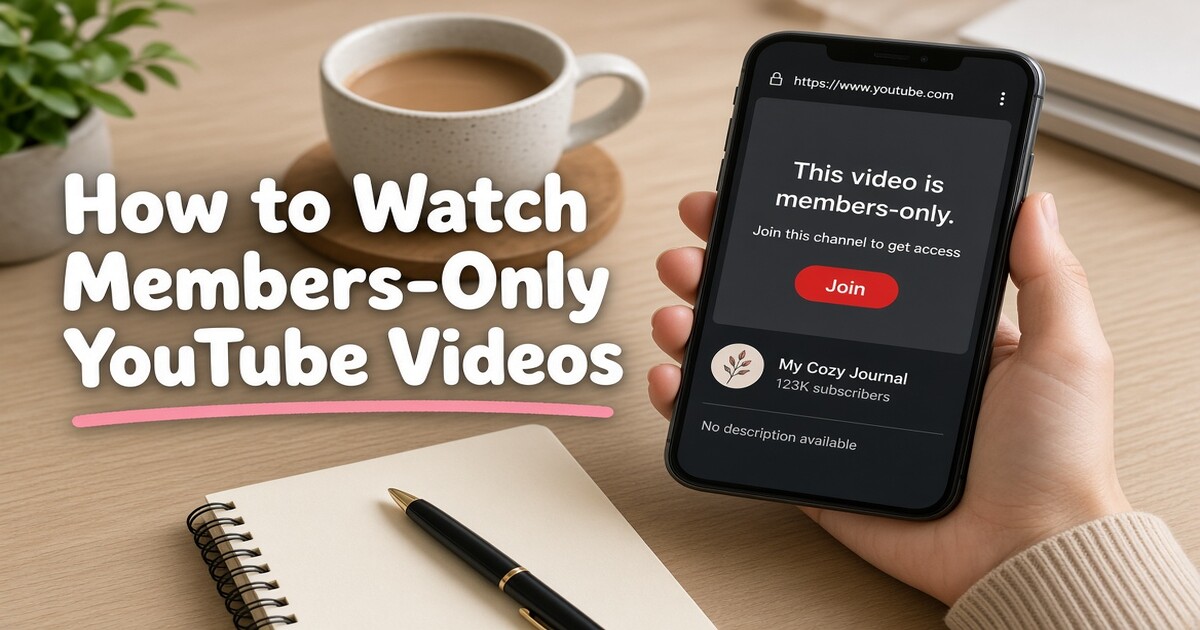
How to Watch Members-Only YouTube Videos Without Wasting Money
Members-only YouTube videos are not locked behind YouTube Premium. They open when you join the specific channel that published them, because a channel…
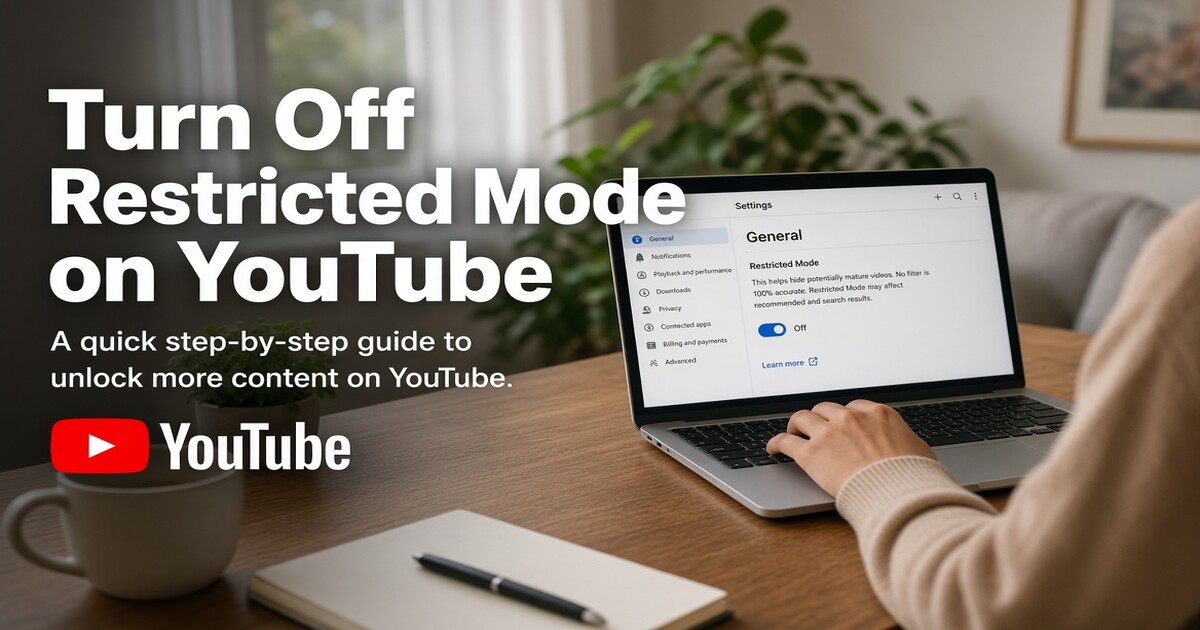
How to Turn Off Restricted Mode on YouTube for Any Device
Turning off Restricted Mode on YouTube takes seconds when the switch belongs to you: sign in, open your account settings, and set Restricted Mode to off.
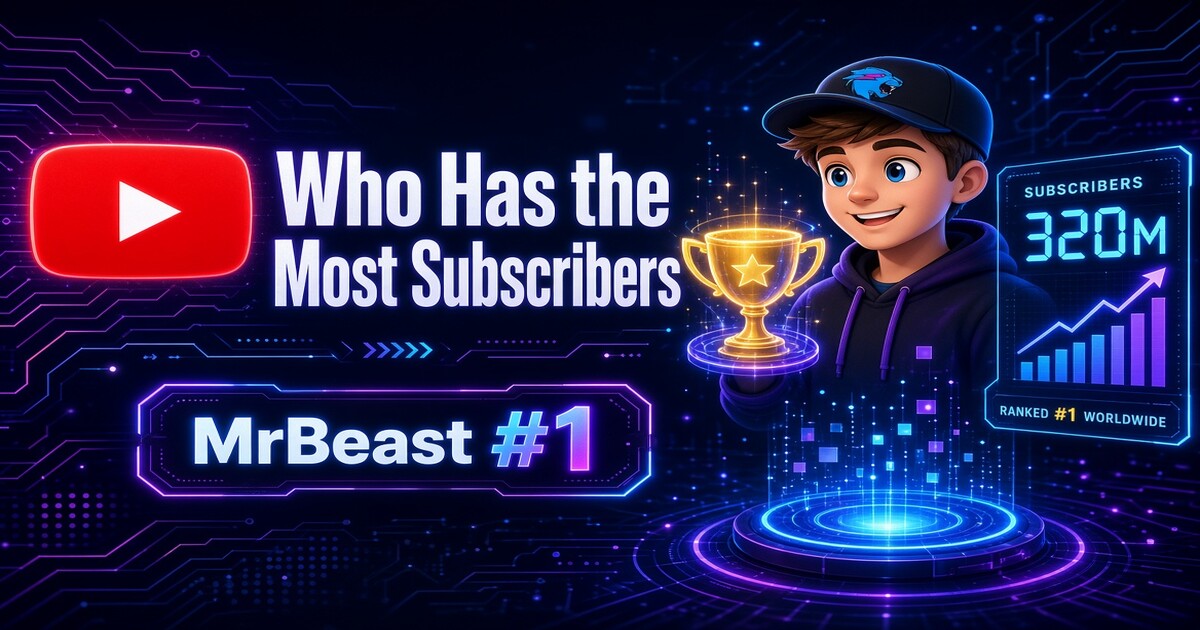
Who Has the Most Subscribers on YouTube?
MrBeast is the answer to who has the most subscribers on YouTube right now. He holds a lead over T-Series in the latest public rankings, and that gap has…
How to Watch Deleted YouTube Videos
Deleted YouTube videos leave behind more traces than most viewers realize, and those traces often lead to a public copy that still works.
YouTube Premium Gift Card: Where to Buy One Safely
YouTube Premium gift cards are not a standard retail product in most countries, and that changes where you should buy.
How to Get YouTube Premium for Cheap
Paying full price for YouTube Premium rarely makes sense when the same ad-free playback, background listening, and YouTube Music access can cost far less…
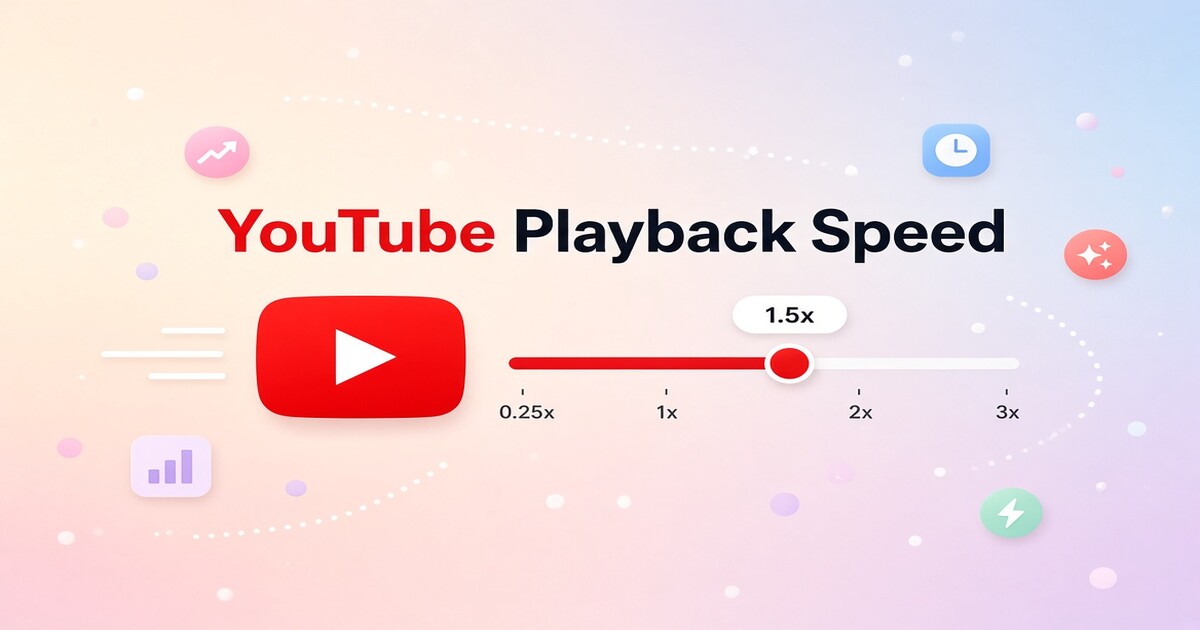
How to Change Playback Speed on YouTube
Changing playback speed on YouTube takes less than ten seconds once you know where the control sits. On desktop, click the gear icon in the player; on mobile…
YouTube Not Working? How to Fix It on Any Device
YouTube not working usually comes down to one of four things: a server outage, app data that has gone stale, a network problem, or an account-level…
YouTube Playback Error: How to Fix It
When a YouTube video refuses to play, the fix is usually faster than it looks. Most playback errors come from four places: a stale app cache…
How to See Your Subscribers on YouTube: Where to Find Them
Channel owners often search for how to see your subscribers on YouTube because they want a simple list of everyone following the channel.
Best YouTube to MP4 Converters: Safe Options for 2026
Most YouTube to MP4 converter lists treat file conversion as a simple tool choice, but the real decision is whether a third-party downloader deserves your…
Best YouTube Ad Blockers That Still Work in 2026
Watching a 20-minute video should not mean sitting through two or three mid-roll ad breaks. The best YouTube ad blockers can still remove most desktop ads in…
How to Live Stream on YouTube: Setup and Common Mistakes
Getting a YouTube live stream running is not hard, but the difference between a smooth broadcast and a pixelated stream that stalls in front of your viewers…
How to Download YouTube Videos Legally: Safe Ways That Work
Downloading YouTube videos legally comes down to using the download options YouTube itself gives you. If you are searching for how to download YouTube videos…
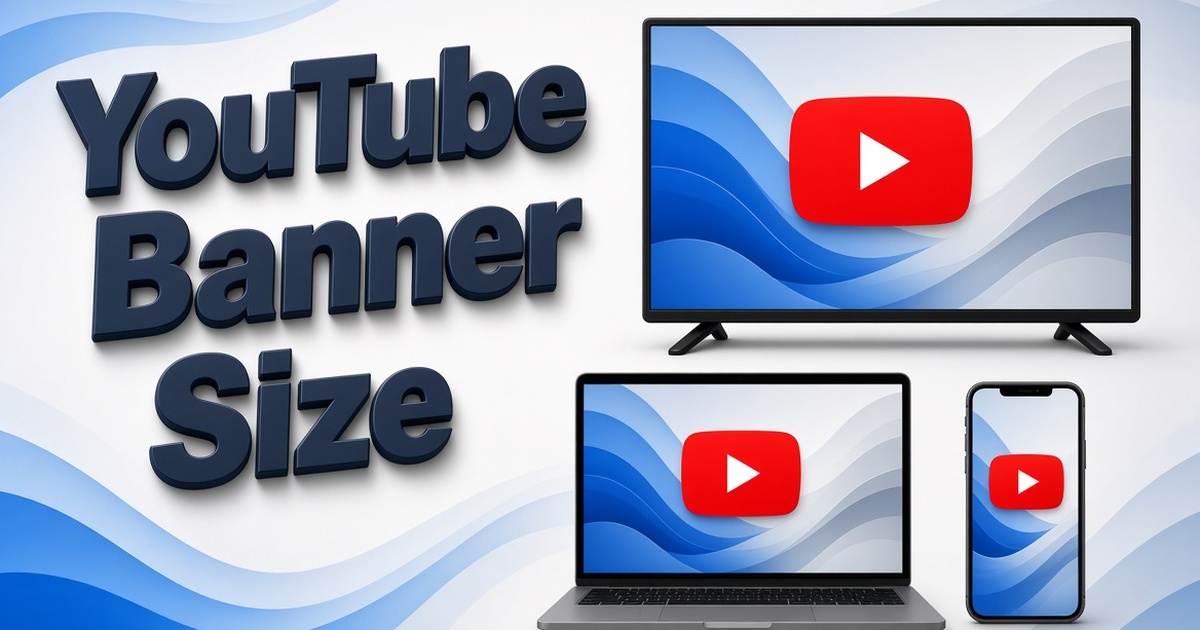
YouTube Banner Size: Safe Dimensions for Every Device
A YouTube banner that looks sharp on a desktop browser can cut off your channel name on a phone. The issue is rarely the image quality; it is the crop.
YouTube "This Content Isn't Available" Fix: Quick Solutions
The message appears as a plain gray box, but it stops a video just the same: YouTube says "This content isn't available," and the video will not play.
YouTube Premium Family Plan: Pricing & How It Works
YouTube Premium Family Plan costs $22.99 per month in the United States and covers up to six Google accounts under one subscription, but the list price is…
YouTube Audio Library: How to Use It for Video Creators
The YouTube Audio Library is the fastest free source for background music and sound effects that will not put your channel at risk.